

On this page20 sectionsShowHide
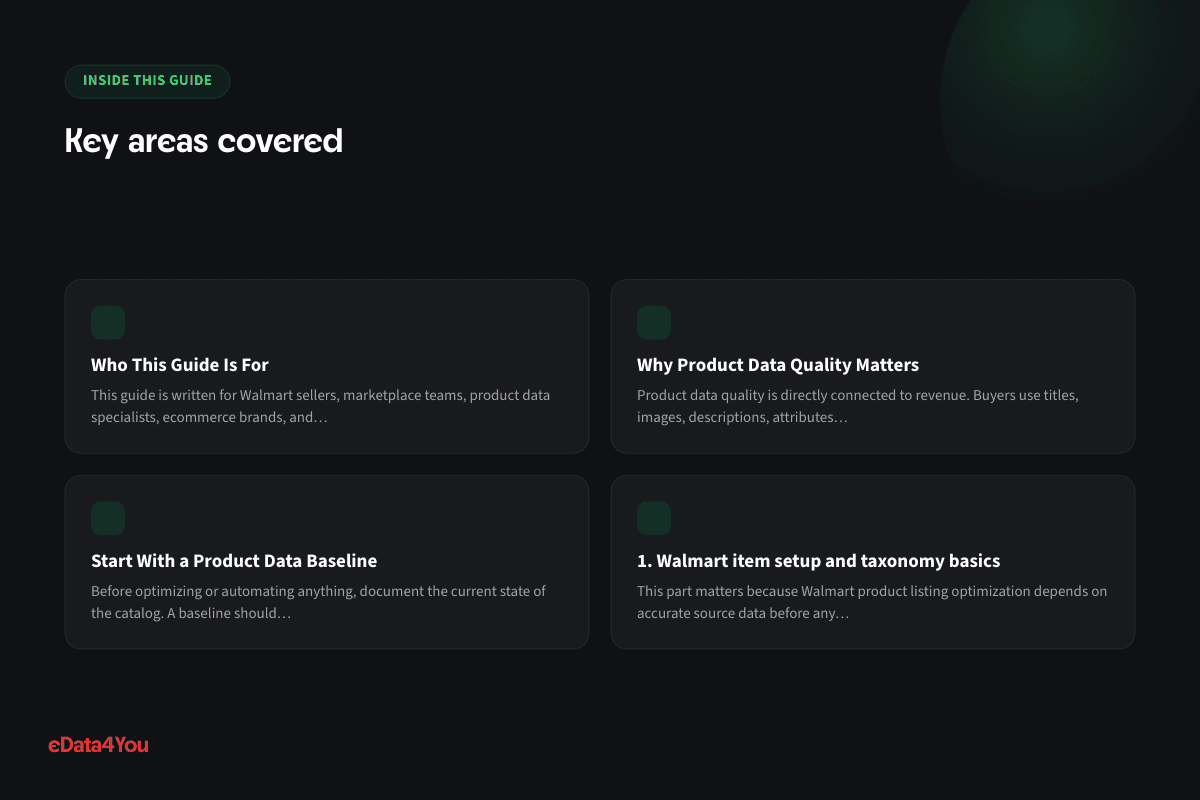
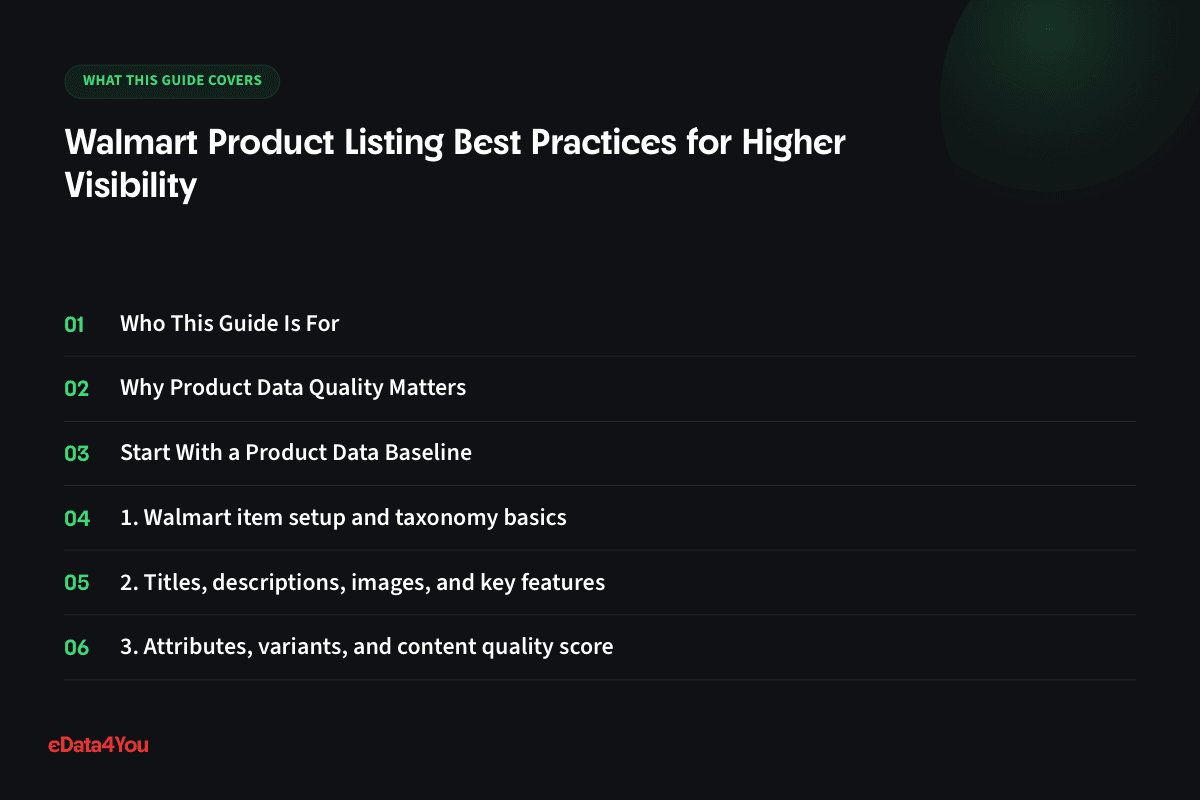
- Who This Guide Is For
- Why Product Data Quality Matters
- Start With a Product Data Baseline
- 1. Walmart item setup and taxonomy basics
- 2. Titles, descriptions, images, and key features
- 3. Attributes, variants, and content quality score
- 4. Pricing, shipping, and seller performance signals
- 5. Listing audit workflow for Walmart sellers
- Product Data Optimization Checklist
- Ecommerce and AI Considerations
- Common Mistakes to Avoid
- 30-60-90 Day Product Data Roadmap
- How eData4You Can Help
- Frequently Asked Questions
- What is Walmart product listing optimization?
- Can AI fully automate ecommerce product data work?
- Why does product data quality affect sales?
- How often should product data be reviewed?
- Should product data management be outsourced?
- Final Thoughts
Walmart product listing optimization depends on accurate attributes, strong content, clean imagery, competitive offers, shipping reliability, and item setup quality.
Product data is one of the most important operating systems in ecommerce. It affects search rankings, marketplace visibility, product page conversion, paid ads, customer support, returns, catalog filters, AI workflows, and reporting. When product data is clean and complete, every channel works better. When it is messy, every channel becomes harder to manage.
This guide explains how to approach Walmart product listing optimization with a practical workflow that balances speed, accuracy, SEO, conversion, and human quality control.
Walmart Listings Strong ecommerce product data connects AI workflows, marketplace rules, SEO, catalog quality, and human review into one reliable operating system.
Attributes Use structured product data, attributes, images, titles, and taxonomy as the foundation for every channel. Content Improve listing quality, search visibility, buyer confidence, and conversion across marketplaces and ecommerce stores. Visibility Combine automation with validation, verification, human review, and clear ownership so scale does not reduce accuracy. 4 layers to control: data, content, channel rules, and QA 7 checks before publishing or syncing product content 20 new guides covering AI, catalog, listing, SEO, and data quality 1 Data Quality Keep titles, attributes, SKUs, variants, images, and descriptions complete and consistent. 2 SEO Content Write product content for search intent, buyer questions, specifications, and conversion. 3 Channel Fit Adapt product data to Amazon, Walmart, Shopify, marketplaces, feeds, and schema requirements. 4 Human QA Review AI output, claims, category mapping, image accuracy, and compliance before publishing.
Who This Guide Is For
This guide is written for Walmart sellers, marketplace teams, product data specialists, ecommerce brands, and agencies improving item setup and search visibility. It is also useful for teams weighing whether to outsource Walmart listing optimization, item setup, or ongoing catalog cleanup rather than building that capability in-house.
Becoming a data architect isn't required here — what matters is knowing which fields actually drive visibility and conversion on Walmart, and building a review habit that catches problems before they reach a live listing.
Why Product Data Quality Matters
Product data quality is directly connected to revenue. Buyers use titles, images, descriptions, attributes, variants, reviews, prices, and availability to decide whether a product is right for them. Search engines and marketplace algorithms use the same signals to decide where the product appears.
Poor product data creates problems across the business. A missing size attribute can break filters. A vague title can reduce search visibility. A wrong image can increase returns. A duplicated description can weaken SEO. A missing marketplace field can suppress a listing. A bad AI-generated claim can create compliance risk.
Clean product data helps teams move faster because the same source can support websites, marketplaces, paid ads, feeds, schema, customer support, and AI workflows.
Start With a Product Data Baseline
Before optimizing or automating anything, document the current state of the catalog. A baseline should include product count, SKU structure, required attributes, missing fields, duplicate content, image gaps, variation issues, category mapping, marketplace errors, SEO weaknesses, schema status, and owner responsibilities.
The baseline helps the team prioritize. Some catalogs need cleansing first. Others need attribute mapping, better product descriptions, title optimization, image improvements, schema fixes, or PIM governance.
Use a simple tracker if needed. What matters is consistency: every product data issue should have a status, owner, priority, and next action.
01Walmart item setup and taxonomy basics
Walmart's item setup is stricter than most sellers expect coming from Amazon or Shopify: category-specific required attributes, a GTIN or exemption on file, and a taxonomy that determines which filters and browse pages a product can even appear on. Get the category wrong and the listing can be technically live but invisible to the shoppers browsing that section.
Walmart also rejects a higher share of submissions upfront than sellers anticipate, usually over missing required attributes or a taxonomy mismatch, so getting item setup right the first time avoids a slow back-and-forth through Seller Center support.
Document the baseline before making changes. Record the current data source, missing fields, duplicate values, image gaps, content problems, marketplace errors, SEO opportunities, and owner for the next action.
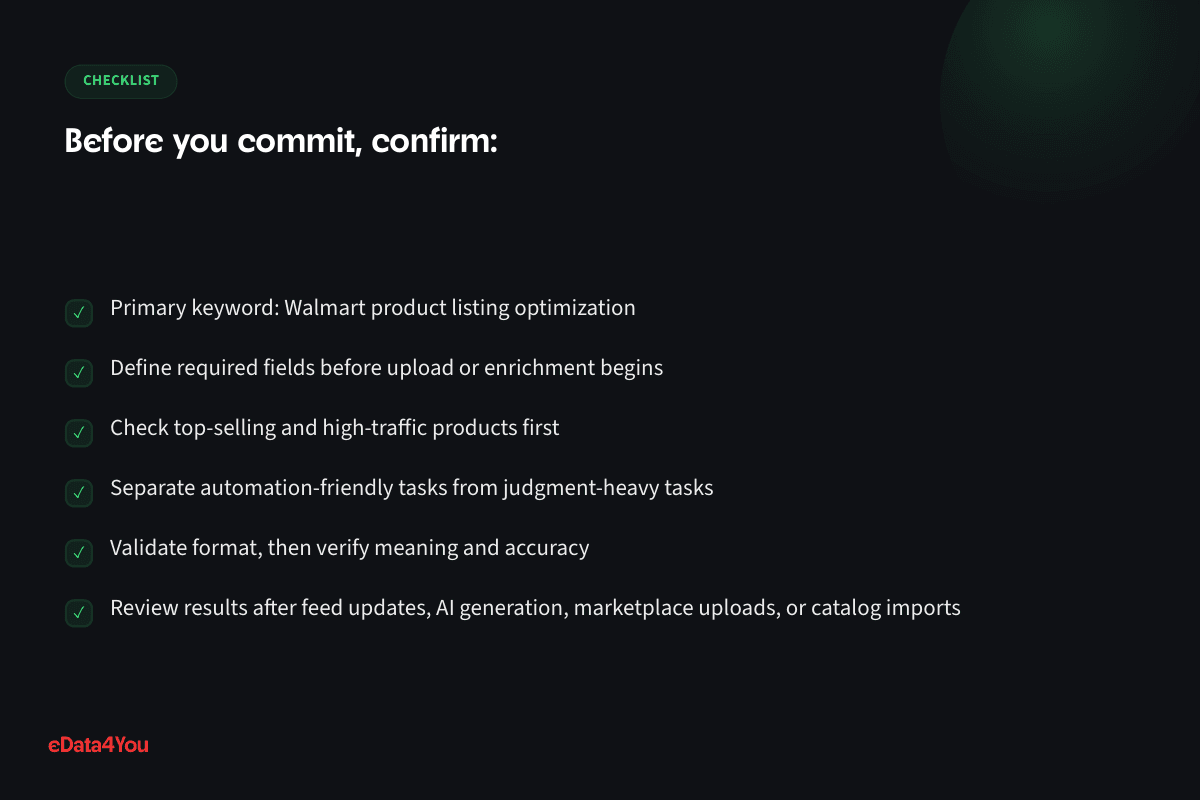
Define required fields before upload or enrichment begins
For your next planning session
Good guidance is worth keeping.
Save this guide and return when you’re ready to put it into practice.
Check top-selling and high-traffic products first
Separate automation-friendly tasks from judgment-heavy tasks
Validate format, then verify meaning and accuracy
Review results after feed updates, AI generation, marketplace uploads, or catalog imports
02Titles, descriptions, images, and key features
When this area is weak, the business may see missing attributes, poor visibility, suppressed listings, wrong buyer expectations, higher returns, or inconsistent content across channels.
For Walmart product listing optimization, review titles, descriptions, images, and key features with the customer journey and channel requirements in mind. Product data extends well past backend information — it shapes search visibility, filters, recommendations, product pages, marketplace compliance, feeds, schema, ads, and customer trust.
Document the baseline before making changes. Record the current data source, missing fields, duplicate values, image gaps, content problems, marketplace errors, SEO opportunities, and owner for the next action.
Define required fields before upload or enrichment begins
Check top-selling and high-traffic products first
Separate automation-friendly tasks from judgment-heavy tasks
Validate format, then verify meaning and accuracy
Review results after feed updates, AI generation, marketplace uploads, or catalog imports
03Attributes, variants, and content quality score
A practical workflow should define what good looks like, who owns the data, which fields are required, and how exceptions are reviewed before publishing.
For Walmart product listing optimization, review attributes, variants, and content quality score with the customer journey and channel requirements in mind. Product data goes well beyond backend information, shaping search visibility, filters, recommendations, product pages, marketplace compliance, feeds, schema, ads, and customer trust.
Document the baseline before making changes. Record the current data source, missing fields, duplicate values, image gaps, content problems, marketplace errors, SEO opportunities, and owner for the next action.
Define required fields before upload or enrichment begins
Explore related concepts
Related term
GTIN
Definition of GTIN
Global Trade Item Number - the umbrella term for standardized product identifiers like UPC and EAN, required by most marketplaces to list a product.
Example in practice
A manufacturer purchases a GS1-issued UPC barcode for a new product specifically so it can be listed on Amazon, which requires one for most categories.
Check top-selling and high-traffic products first
Separate automation-friendly tasks from judgment-heavy tasks
Validate format, then verify meaning and accuracy
Review results after feed updates, AI generation, marketplace uploads, or catalog imports
04Pricing, shipping, and seller performance signals
For growing ecommerce teams, this area should be managed with both automation and human judgment. AI can accelerate repetitive tasks, but people still need to review accuracy, context, and compliance.
For Walmart product listing optimization, review pricing, shipping, and seller performance signals with the customer journey and channel requirements in mind. Product data does more than sit in the backend: it shapes search visibility, filters, recommendations, product pages, marketplace compliance, feeds, schema, ads, and customer trust.
Document the baseline before making changes. Record the current data source, missing fields, duplicate values, image gaps, content problems, marketplace errors, SEO opportunities, and owner for the next action.
Define required fields before upload or enrichment begins
Check top-selling and high-traffic products first
Separate automation-friendly tasks from judgment-heavy tasks
Validate format, then verify meaning and accuracy
Review results after feed updates, AI generation, marketplace uploads, or catalog imports
05Listing audit workflow for Walmart sellers
The goal is to make product data scalable. A repeatable process helps teams add more products, more marketplaces, and more campaigns without multiplying errors.
For Walmart product listing optimization, review listing audit workflow for walmart sellers with the customer journey and channel requirements in mind. Rather than staying backend information, product data shapes search visibility, filters, recommendations, product pages, marketplace compliance, feeds, schema, ads, and customer trust.
Document the baseline before making changes. Record the current data source, missing fields, duplicate values, image gaps, content problems, marketplace errors, SEO opportunities, and owner for the next action.
Define required fields before upload or enrichment begins
Check top-selling and high-traffic products first
Separate automation-friendly tasks from judgment-heavy tasks
Business Analyzer
Know your numbers before you scale.
Understand margin, ad return and storefront performance using your own business inputs. Explore what the report checks.
Report outline
ProfitabilityWhere does your revenue go?
- Fees and marginWhere each dollar of revenue goes, and what's left.
- Marketplace fee comparisonWhat your revenue would cost in selling fees on each platform.
- Profit leaksCosts running above healthy levels at the numbers you entered.
Have this ready
Start with your selling channels, monthly revenue, return rate and goal. Add product cost and monthly team cost for a fuller margin picture.
Report outline
AdvertisingWhat does your ad return need to cover?
- Break-even ad returnThe ad return you need just to break even, against what you're getting.
- Ad spend in your cost mixSee how monthly ad spend affects the margin left after your entered costs.
- Revenue relative to ad spendCompare monthly revenue with monthly ad spend alongside the break-even threshold.
Have this ready
Bring your business figures and monthly ad spend. Add product cost as a percentage of price to calculate break-even ad return.
Report outline
Store performanceHow does your storefront perform?
- Mobile speedA live scan checks how your store performs on mobile.
- Google SEO checksSee the SEO checks included in your store scan.
- Product markupCheck for structured product data on your store or product page.
Have this ready
Add a store or product page URL alongside your business figures. The store scan runs after you unlock the full report.
Validate format, then verify meaning and accuracy
Review results after feed updates, AI generation, marketplace uploads, or catalog imports
Product Data Optimization Checklist
Use this checklist before publishing products, generating AI content, uploading to marketplaces, or syncing a product feed.
Area What to Check
Titles Keyword relevance, readability, brand, model, material, size, use case, and platform rules
Descriptions Buyer questions, benefits, specifications, proof, care details, and SEO intent
Attributes Required fields, filters, taxonomy, marketplace mapping, variants, and metafields
Images Main image, lifestyle image, scale, variant accuracy, compression, alt text, and channel standards
Data Quality Duplicates, missing values, inconsistent units, outdated content, and formatting rules
SEO URLs, headings, product schema, internal links, metadata, and search intent
AI Output Factual accuracy, brand voice, compliance, duplicate wording, and human approval
Channel Fit Amazon, Walmart, Shopify, marketplace feeds, PIM, and website requirements
QA Validation, verification, exception handling, and final approval before publish
This checklist should be part of normal catalog operations, not a one-time cleanup exercise.
Ecommerce and AI Considerations
AI can help ecommerce teams draft descriptions, classify products, map attributes, suggest keywords, detect duplicates, normalize values, summarize reviews, and create first-pass listing content. Used well, it speeds up catalog operations.
But AI does not remove the need for governance. Product claims, safety details, compatibility, measurements, ingredients, compliance language, and marketplace policy-sensitive content still need human review. AI should support product data teams, not replace accountability.

For AI-ready catalog operations, keep your product data structured, your taxonomy clear, your required fields documented, and your review workflow consistent.
Your growth partner
Great work starts with a clear plan.
Clean, structured, compliant data - product, catalog and operational - across every system it needs to live in.
One accountable team, from scope to reporting.

Support for this article
Data Management
- WalmartDedicated Walmart Marketplace specialists handling listings, Walmart Connect advertising, inventory and account health.
- Listing OptimizationKeyword cleanup, better content structure, rich listing data, compliance fixes and visibility improvements.
- Product Data EnrichmentSpecification enhancement, missing attribute completion and content improvement across your product catalog.
From first conversation to delivery
Start with the real bottleneck.
We review your listings, storefront, campaigns or workflows to identify what needs attention. Bring examples of the work you want to improve.
Know the scope before work starts.
We agree priorities, scope and timelines before execution. You know what the team will handle and how the work will be organised.
Keep one team accountable.
The team that scoped the work handles delivery. Responsibility stays clear as tasks move from planning into execution.
See what changed and what comes next.
Regular reporting connects the work to progress and results. Review what has been done and decide what should happen next.
To get started, share your platform, current workload and target timeline.
Common Mistakes to Avoid
Generating AI product copy from incomplete source data
Treating validation and verification as the same thing
Copying the same listing content across every marketplace without adapting it
Optimizing titles for keywords while making them hard for buyers to understand
Ignoring image quality, alt text, and variant accuracy
Publishing catalog updates without a rollback or QA process
Letting marketplace errors sit unresolved
Using a PIM or feed tool before cleaning the source data
Measuring catalog work by upload volume instead of sales impact and error reduction
Most catalog problems are preventable when the team has clear standards and a review process.
30-60-90 Day Product Data Roadmap
Timeline Focus Outcome
First 30
Days
Audit product data, identify missing fields, review top products, and document channel requirements
Clear baseline and prioritized cleanup plan
Days 31-60 Clean titles, attributes, images, descriptions, schema, and marketplace errors
Higher catalog accuracy and better listing quality
Operations capacity
What could you hand off?
Adjust your workload and catalog size to explore a planning estimate of the time you could recover.
Time spent on your recurring operations tasks.
Number of products or variants in your catalog.
Estimated recoverable capacity
Per week
Per month
Monthly headline figures are rounded. This values time, rather than predicting a cash saving.
The assumptions behind the estimate
- Base recovery
- 60%of weekly operations time
- Catalog factor
- 1.00–1.40×1 + SKUs ÷ 2,000, capped at 1.40×
- Monthly conversion
- 4.33 weekstime valued at $35 per hour
Weekly hours × 60% × catalog factor × 4.33 = monthly capacity. Actual capacity depends on the work you can delegate.
Days 61-90 Add AI-assisted workflows, QA rules, PIM/feed governance, and recurring reports
Scalable product data operation with human review
The exact roadmap depends on catalog size and channel complexity, but the sequence should stay the same: audit first, clean second, automate third.
How eData4You Can Help
eData4You helps ecommerce businesses with product data entry, catalog management, product listing optimization, marketplace uploads, product description writing, image coordination, product data cleansing, attribute mapping, Shopify catalog management, Amazon and Walmart listing support, and AI-assisted catalog workflows.
Our team can support one-time catalog cleanup projects or ongoing product data operations across websites, marketplaces, shopping feeds, and ecommerce platforms.
If your business needs cleaner product data, better listings, AI-assisted catalog workflows, marketplace product uploads, or ecommerce content support, contact eData4You to discuss the project.
Frequently Asked Questions
What is Walmart product listing optimization?
Walmart product listing optimization refers to the product data, content, workflow, or optimization process described in this guide. In ecommerce, it usually affects search visibility, buyer trust, conversion, and operational accuracy.
Can AI fully automate ecommerce product data work?
AI can automate parts of product data work, but human review is still needed for accuracy, compliance, brand voice, context, and final publishing decisions.
Why does product data quality affect sales?
Product data quality affects sales because buyers and search systems both rely on accurate titles, images, attributes, descriptions, availability, pricing, and structured information.
How often should product data be reviewed?
High-value products should be reviewed regularly, especially after marketplace errors, feed updates, seasonal campaigns, pricing changes, AI content generation, or customer support feedback.
Should product data management be outsourced?
It can be outsourced when the business has clear standards, review rules, and ownership. Outsourcing is useful for product uploads, cleanup, enrichment, image coordination, marketplace listing work, and recurring catalog QA.
Final Thoughts
Walmart product listing optimization is not only a technical or content task. It is a revenue and operations task. Better product data helps customers choose, helps platforms understand products, and helps teams scale without multiplying errors.
Start with accurate source data, improve the highest-impact products first, use AI carefully, and keep human review in the workflow. That is how ecommerce brands build catalog systems that support long-term growth.

Reviewed by Seema, Listing Manager· Content reviewed Sep 2026
Explore eData4You
Find the right next step.
Check your fit, explore blog topics or find the service that supports your work.
Start with your industry, then check the platforms and technology that support your workload.
Blog topics
Choose a topic to explore recent guides on the work behind ecommerce.
Recent guides
Data Management
Data Management: 3 guides to explore.
Services
Start with services relevant to this guide, or explore the rest of our services.



Comments
Leave a comment