
Quick answer
Complete maintenance framework for Shopify stores covering performance, security, apps, and product data.
A complete Shopify maintenance guide covering store speed, security, theme updates, backups, apps, product data, SEO checks, and operational QA.
Shopify handles hosting infrastructure, but it does not automatically maintain your theme quality, app stack, product data, SEO health, analytics accuracy, or operational workflows.
This guide shows how to maintain a Shopify store so technical debt, slow pages, broken tracking, stale content, and app conflicts do not quietly reduce revenue.
Maintenance Guide This guide shows how to maintain a Shopify store so technical debt, slow pages, broken tracking, stale content, and app conflicts do not quietly reduce revenue.
Performance Clarify the commercial goal, customer journey, and operating requirements before making changes. Security Build the storefront, catalog, apps, checkout, and workflows with speed and maintainability in mind. Quality Control Review performance, analytics, SEO, and support data after launch so the store keeps improving. 3 layers to manage: storefront, operations, and growth 5 areas to document: catalog, apps, checkout, SEO, and ownership 90 days to launch, stabilize, and improve the Shopify system 1 Performance Define the goal, audience, revenue model, and buyer questions before implementation begins. 2 Security Make technical choices that protect speed, SEO, conversion, reporting, and daily management. 3 Quality Control Assign clear owners for updates, QA, analytics, customer support, and ongoing maintenance. 4 Store Growth Use reports and customer feedback to improve the store after launch instead of guessing.
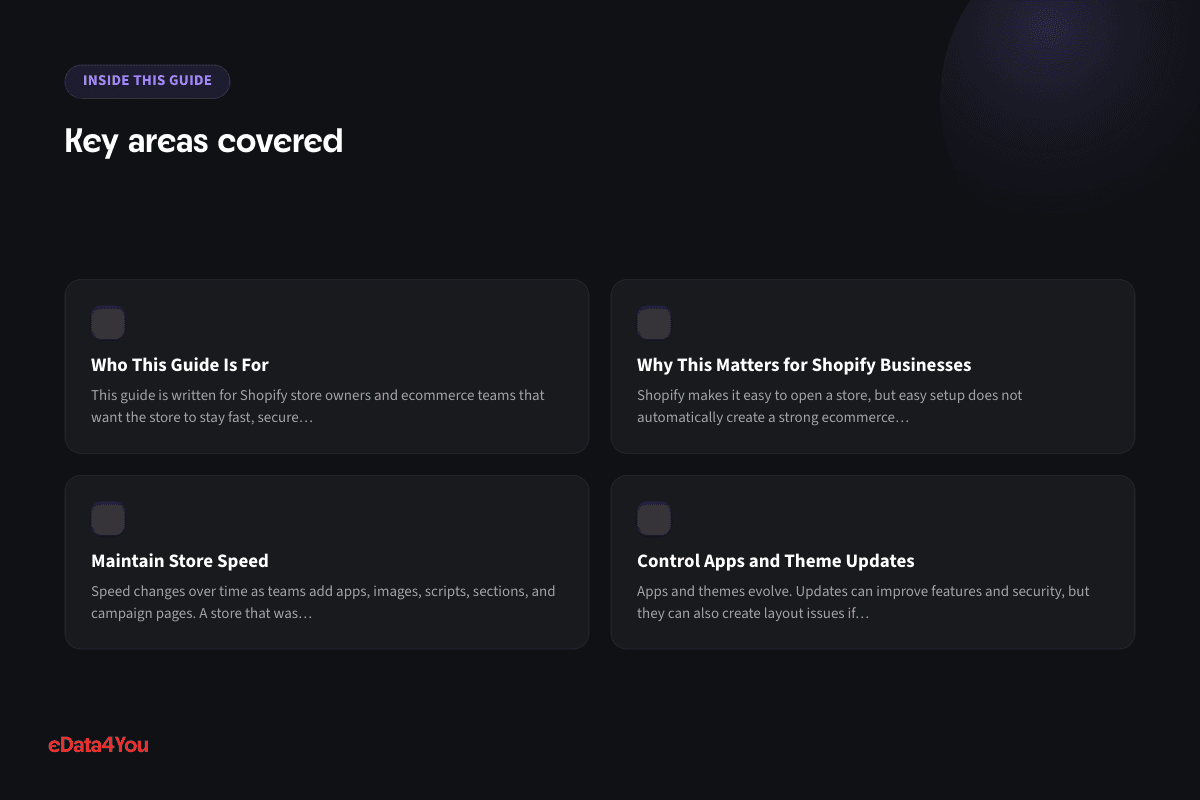
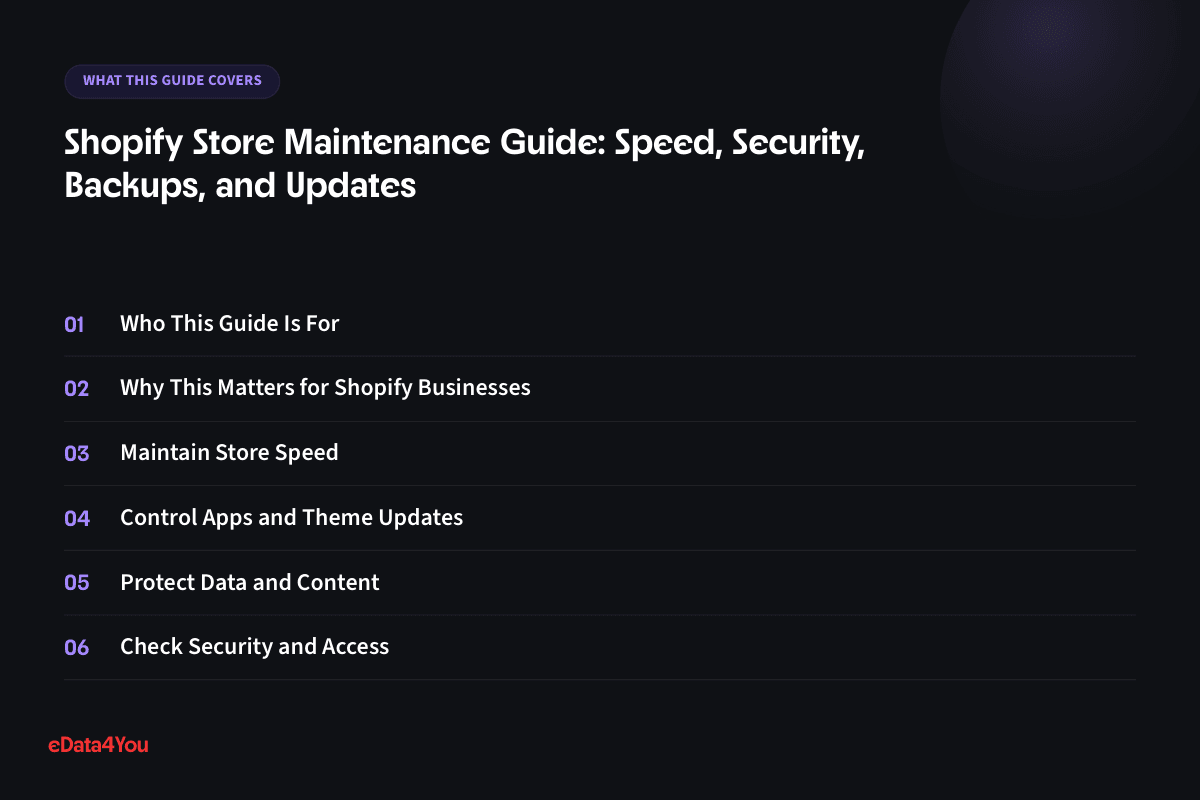
Who This Guide Is For
This guide is written for Shopify store owners and ecommerce teams that want the store to stay fast, secure, accurate, and reliable after launch. It is also useful for business owners who are planning to outsource Shopify work and want to understand what a responsible project or management process should include.
The goal here isn't turning you into a Shopify developer — it's knowing which signals to watch, which checks to schedule, and when an issue is worth escalating before it quietly costs revenue.
Why This Matters for Shopify Businesses
Shopify makes it easy to open a store, but easy setup does not automatically create a strong ecommerce operation. A profitable store still needs clean product data, fast pages, strong merchandising, trustworthy policies, reliable checkout, accurate analytics, and repeatable management routines.
Many stores underperform because the team treats Shopify as a one-time website project. In reality, Shopify is an operating system for ecommerce. Development decisions affect store management, and management habits affect conversion, search visibility, customer support, and revenue.
When you plan Shopify work properly, you reduce avoidable rework. When you manage it consistently, the store stays accurate, fast, and easier to improve.
Maintain Store Speed
Speed changes over time as teams add apps, images, scripts, sections, and campaign pages. A store that was fast at launch can become slow within months.
Review speed monthly and after major changes. Focus on mobile product pages, collection pages, homepage, and landing pages because those pages usually influence revenue most.
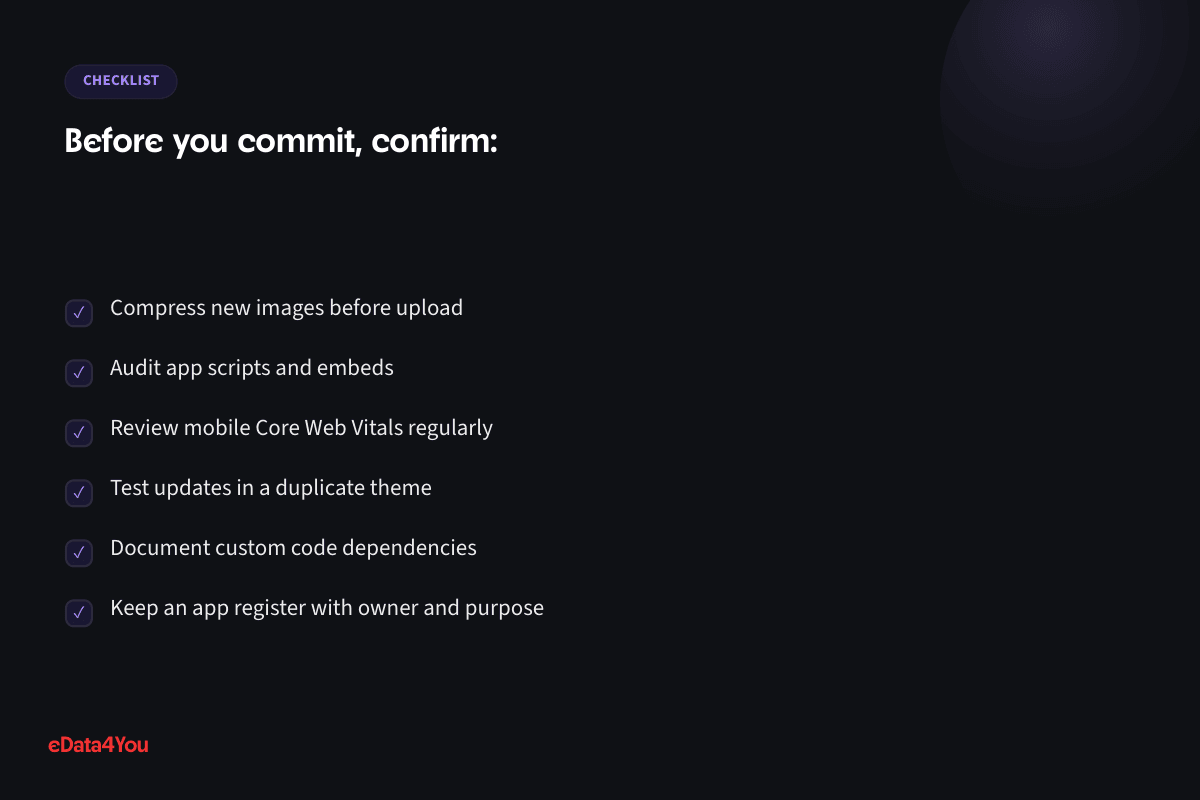
Compress new images before upload
Audit app scripts and embeds
Review mobile Core Web Vitals regularly
Control Apps and Theme Updates
Apps and themes evolve. Updates can improve features and security, but they can also create layout issues if custom code or app dependencies are involved.
Use a duplicate theme for testing major changes. Review app release notes and theme update notes before publishing.

Test updates in a duplicate theme
Document custom code dependencies
Keep an app register with owner and purpose
Protect Data and Content
Shopify stores contain product data, content, orders, customers, theme files, and settings. Mistakes during imports or bulk edits can affect hundreds of products quickly.
Use careful export and backup habits before large changes. Keep copies of product data, theme versions, and important content.
Export products before bulk updates
For your next planning session
Good guidance is worth keeping.
Save this guide and return when you’re ready to put it into practice.
Back up theme files before custom edits
Restrict admin access based on role
Check Security and Access
Security is partly platform-managed and partly team-managed. Weak passwords, excessive admin permissions, unused staff accounts, and risky apps can create avoidable exposure.
Review staff permissions, two-factor authentication, app permissions, collaborator access, and payment-related settings regularly.
Enable two-factor authentication for admins
Remove unused staff and collaborator accounts
Review app permissions before installation
Audit SEO, Tracking, and Store Quality
Maintenance should include SEO health, broken links, redirects, metadata, analytics events, product availability, and checkout testing. These areas affect both traffic and conversion.
Create a monthly QA checklist and assign it to a store owner. Maintenance only works when it is scheduled.
Check redirects for removed products
Validate purchase and add-to-cart events
Test checkout and key forms monthly
Step-by-Step Implementation Framework
Use this framework before approving Shopify development, redesign, migration, app installation, or store management work:
Define the business outcome and the customer journey
Audit current products, pages, apps, analytics, and operational workflows
Prioritize changes that affect conversion, speed, SEO, or management efficiency
Document app requirements, theme changes, checkout settings, and ownership
Test on mobile, desktop, product pages, collection pages, cart, and checkout
Launch with analytics, issue tracking, and a post-launch review schedule
This process keeps the project practical. It also helps your internal team and Shopify partner work from the same scope instead of relying on vague requests.
Practical Shopify Checklist
Area What to Check
Storefront Does the homepage, navigation, product page, collection page, and cart make the buying path clear?
More resources
Understand the terms.
Follow the changes.
Clear definitions and marketplace updates, with context you can use in your next decision.
Product Data Are titles, descriptions, variants, SKUs, images, tags, metafields, and collections consistent?
Apps Does every app have a clear purpose, owner, cost, and performance impact review?
Checkout Have payments, shipping, taxes, discounts, confirmation emails, and refunds been tested?
SEO Are URLs, titles, descriptions, headings, internal links, image alt text, redirects, and indexable pages reviewed?
Analytics Are purchase, add-to-cart, checkout, campaign, and conversion events working correctly?
Management Does someone own catalog updates, reports, promotions, support issues, and maintenance?
Use this checklist before launch and repeat it during monthly store reviews. Shopify stores improve fastest when the team works from a repeatable operating system.
Ecommerce and AI Considerations
Shopify teams are increasingly using AI for product descriptions, product recommendations, customer support, search, merchandising, analytics summaries, inventory forecasting, and campaign workflows. These tools can save time, but they depend on clean data and clear human review.
If product attributes are inconsistent, variants are poorly named, images are missing context, or collections are disorganized, AI tools will not produce reliable results. The same applies to customer support automation. AI can only answer accurately when policies, product details, shipping rules, and return rules are documented.
For 2026 and beyond, Shopify stores should be built with AI readiness in mind. That means structured product data, consistent metafields, clear permissions, reliable analytics, documented workflows, and review steps for anything that affects customers or revenue.
Common Mistakes to Avoid
Treating Shopify development as only a design task
Installing apps before defining the business requirement
Uploading products without a consistent data structure
Ignoring mobile speed and storefront performance
Making live theme changes without staging or QA

Launching without testing payment, shipping, taxes, discounts, and emails
Forgetting redirects, metadata, and SEO structure during redesigns or migrations
Reviewing analytics only after sales decline
Leaving store management responsibilities unclear
Most Shopify problems are preventable. The safest approach is to plan first, build carefully, test before launch, and improve based on real data.
Budget, Timeline, and Ownership
A responsible Shopify budget should include discovery, theme setup or customization, product data preparation, content, apps, checkout configuration, SEO basics, analytics, QA, launch support, and ongoing maintenance. A low quote that only covers theme setup may miss the work required to make the store perform.
Timeline depends on complexity. A focused Shopify setup with a small catalog may move quickly. A larger store with custom theme sections, migration work, product data cleanup, app configuration, SEO redirects, or integrations needs more time because testing and data mapping matter.
Ownership should be decided before launch. Assign responsibility for product updates, app billing, speed checks, analytics review, SEO updates, order exceptions, customer support issues, and monthly audits. Clear ownership prevents the store from slowly becoming disorganized.
Your growth partner
Great work starts with a clear plan.
Websites, storefronts, mobile apps and custom internal software - designed, built and maintained by one accountable team, whatever platform the work runs on.
One accountable team, from scope to reporting.

Support for this article
Software & Product Development
- React & Next.js Development ServicesServer-rendered, App Router-based Next.js builds - fast first paint, real SEO, and a codebase a future developer can actually pick up.
- WordPress DevelopmentWordPress builds run on a clean core setup and a maintained plugin stack - not a pile of plugins nobody remembers installing.
- WooCommerce DevelopmentWooCommerce stores built around how the catalog and checkout actually need to work, rather than simply how the plugin defaults handle it.
From first conversation to delivery
Start with the real bottleneck.
We review your listings, storefront, campaigns or workflows to identify what needs attention. Bring examples of the work you want to improve.
Know the scope before work starts.
We agree priorities, scope and timelines before execution. You know what the team will handle and how the work will be organised.
Keep one team accountable.
The team that scoped the work handles delivery. Responsibility stays clear as tasks move from planning into execution.
See what changed and what comes next.
Regular reporting connects the work to progress and results. Review what has been done and decide what should happen next.
To get started, share your platform, current workload and target timeline.
30-60-90 Day Roadmap
Timeline Focus Outcome
First 30
Days
Discovery, store audit, product data review, app review, workflow mapping, and requirements
Clear scope and reduced risk before major changes
Days 31-60 Theme work, catalog cleanup, app setup, checkout configuration, content updates, and analytics setup
Working Shopify system ready for structured QA
Days 61-90 Launch, testing, report review, support monitoring, SEO checks, speed improvements, and optimization
Stable store with a measurable improvement plan
This roadmap can be adjusted to your store size, but the order is important. Planning comes before building, testing comes before launch, and optimization comes after real behavior is measured.
How eData4You Can Help
eData4You helps ecommerce businesses with Shopify store development, Shopify management, product data services, catalog processing, content updates, SEO support, app coordination, website maintenance, customer support workflows, and ecommerce back-office operations.
Our software and product development team can support Shopify setup, theme customization, product uploads, collection management, product description improvement, image and catalog cleanup, app audits, migration support, QA, analytics checks, and ongoing store maintenance. This is useful for businesses that need both technical work and reliable day-to-day execution.
If your Shopify store needs development, management, product data cleanup, migration support, app review, or ongoing ecommerce operations help, contact eData4You to discuss the project.
Frequently Asked Questions
Does Shopify need maintenance?
Yes. Shopify handles hosting, but stores still need maintenance for speed, apps, theme updates, product data, SEO, analytics, security access, and checkout quality.
How often should Shopify maintenance be done?
Quick checks should happen weekly, with a deeper monthly audit for speed, apps, SEO, data, access, and checkout testing.
Can Shopify maintenance be outsourced?
Yes. Many businesses outsource routine updates, QA, product data checks, app audits, and reporting while keeping strategic decisions internal.
What happens if Shopify maintenance is skipped?
Small issues compound quietly - an outdated app conflicts with a theme update, broken links accumulate, page speed drifts down. None of it looks urgent day to day, but it eventually shows up as lost conversions with no obvious single cause.
Who should be responsible for ongoing Shopify maintenance?
Someone needs clear ownership, whether in-house or outsourced. Maintenance that's "everyone's job" tends to become no one's job, and issues get caught only after they've already affected sales.
Final Thoughts
Shopify can give a business a strong ecommerce foundation, but the platform performs best when development and management are handled as one connected system. Design, product data, apps, checkout, SEO, analytics, support, and maintenance all affect the customer experience.
Start with the business problem, document the workflow, make careful technology decisions, test before launch, and keep improving after the store is live. That is how Shopify becomes a growth asset instead of just another website.

Reviewed by Amit Sharma, Founder & IT Head· Content reviewed Sep 2026
Explore eData4You
Find the right next step.
Check your fit, explore blog topics or find the service that supports your work.
Start with your industry, then check the platforms and technology that support your workload.
Blog topics
Choose a topic to explore recent guides on the work behind ecommerce.
Recent guides
Software & Product Development
Software & Product Development: 3 guides to explore.
Browse all articlesServices
Start with services relevant to this guide, or explore the rest of our services.




Comments
Leave a comment