
Quick answer
Performance maintenance through image optimization, Core Web Vitals, caching, and database cleanup.
A detailed guide to maintaining website speed with image optimization, Core Web Vitals, script audits, caching, hosting review, database cleanup, and performance monitoring.
Many websites launch fast and then slow down as teams add apps, tracking pixels, large images, popups, videos, plugins, custom scripts, and campaign pages without performance review.
Website maintenance is the ongoing work that keeps a site useful after launch. It includes security checks, updates, backups, speed reviews, content fixes, SEO monitoring, analytics validation, form testing, accessibility checks, and workflow documentation. For Performance websites, the exact tasks may change, but the goal is the same: prevent avoidable problems and keep improving the experience for users and the team.
This guide is written as a practical operating manual. Use it to build a monthly maintenance routine, review an existing support plan, or brief an outsourced maintenance partner before handing over access.
Speed Maintenance A maintenance system for Performance should protect performance, security, SEO, customer trust, and the workflows your team depends on every week.
Audit Review the current site, tools, data, access, analytics, and risks before making changes. Stabilize Fix the issues that can break revenue, lead generation, SEO visibility, or customer trust. Improve Use reports, support feedback, and performance data to improve the website every month. 4 areas to protect: security, speed, SEO, and conversion 12 monthly checks to prevent avoidable website problems 90 days to build a reliable maintenance rhythm 1 Security Keep software, access, backups, forms, and sensitive workflows under review. 2 Performance Monitor speed, scripts, images, hosting, database health, and Core Web Vitals. 3 SEO Protect metadata, redirects, internal links, content quality, and indexation. 4 Operations Assign owners, document processes, track issues, and review reports consistently.
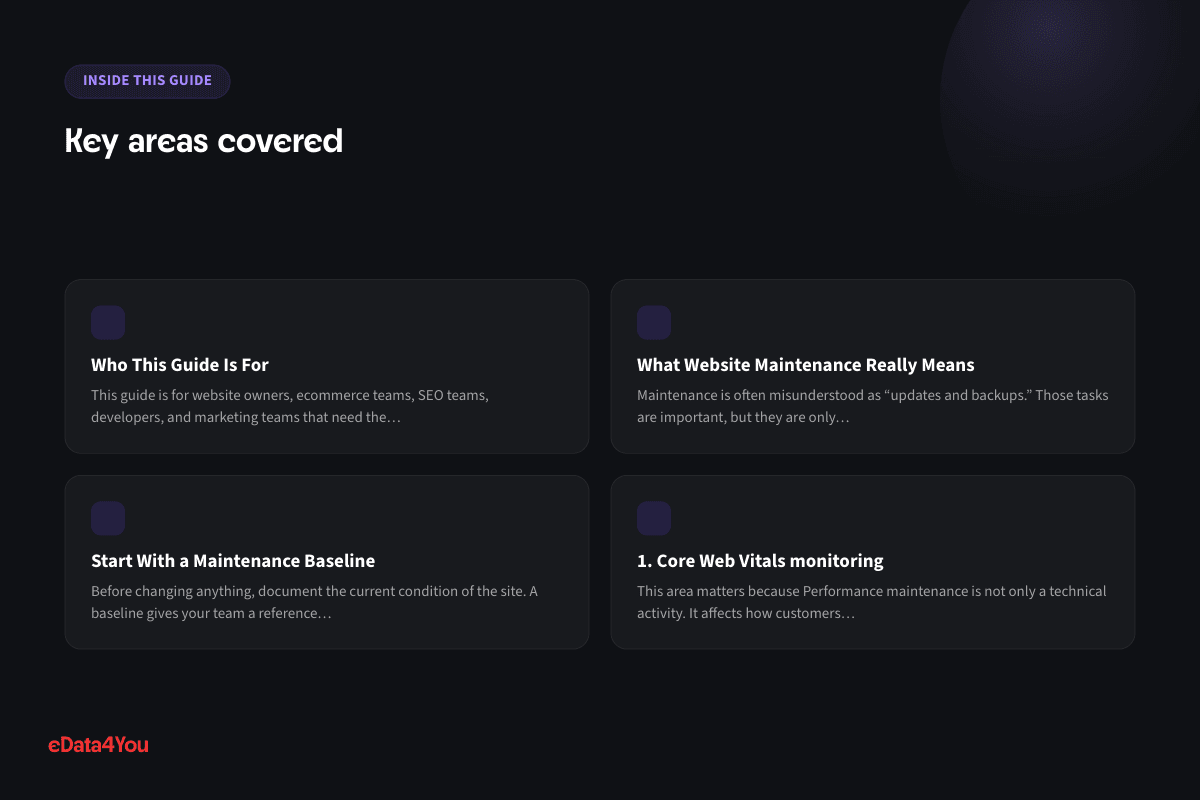
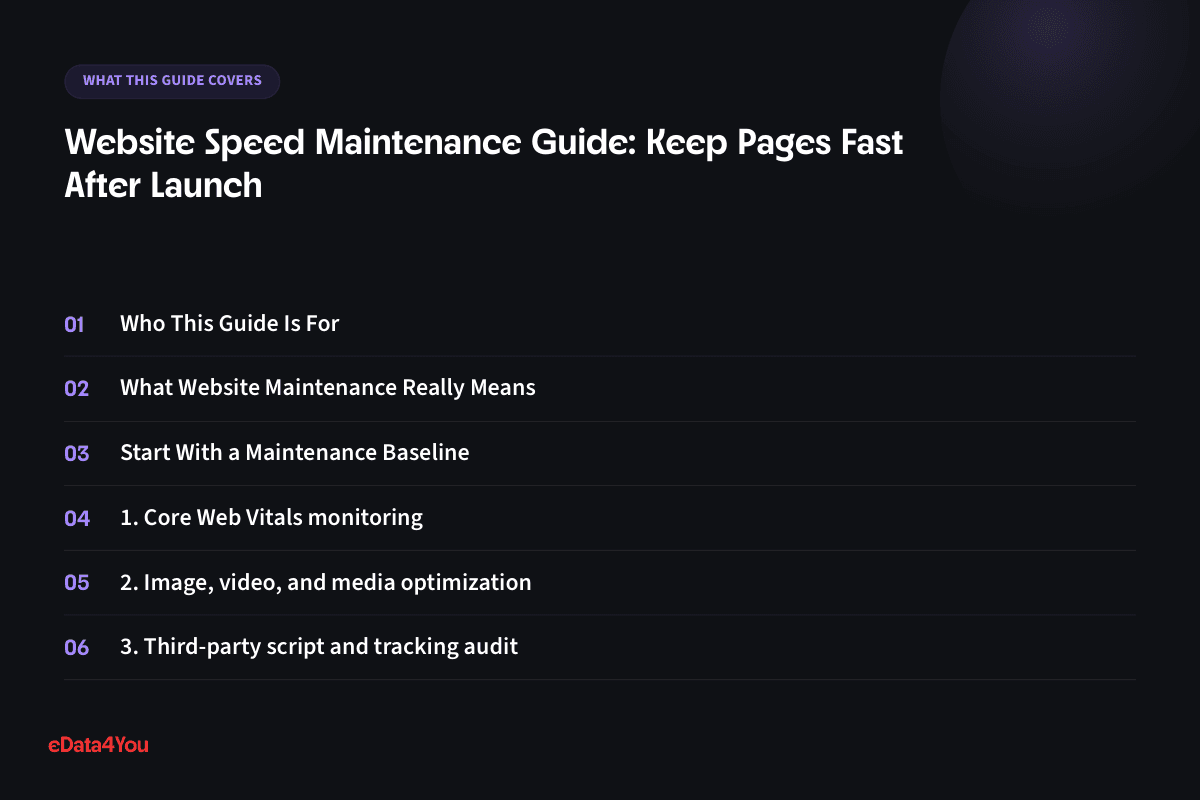
Who This Guide Is For
This guide is for website owners, ecommerce teams, SEO teams, developers, and marketing teams that need the site to stay fast as content, apps, scripts, and campaigns grow. It is also useful for founders, operations managers, content editors, and virtual teams that need a shared checklist before touching a live website.
You do not need to become a full-time developer to use this guide. The purpose is to help you understand what should be maintained, why each task matters, how often to review it, and when to involve technical support.
What Website Maintenance Really Means
Maintenance is often misunderstood as “updates and backups.” Those tasks are important, but they are only part of the job. A website is connected to hosting, domains, DNS, forms, analytics, advertising pixels, CRMs, payment tools, security plugins, content workflows, search engines, images, scripts, databases, and customer support processes.
If any of those areas drift, the website can still look normal while performance declines behind the scenes. Leads may stop reaching the CRM. Checkout may fail for one payment method. Search rankings may drop because redirects were missed. Product images may become too heavy. A plugin or package may introduce a conflict. A form may attract spam because protection was not reviewed.
Good maintenance makes these problems visible early. It turns website care into a repeatable process instead of a panic response.
Start With a Maintenance Baseline
Before changing anything, document the current condition of the site. A baseline gives your team a reference point for speed, security, SEO, content quality, integrations, and ownership. Without a baseline, every future issue becomes harder to diagnose because nobody knows what changed.
Your baseline should include the platform version, hosting details, theme or frontend framework, key plugins or packages, important integrations, backup schedule, analytics setup, top landing pages, conversion paths, form destinations, sitemap status, page speed scores, known issues, and emergency contacts.
This does not need to be complex. A spreadsheet or maintenance document is enough if it is clear, current, and used consistently.
1. Core Web Vitals monitoring
This area matters because Performance maintenance is not only a technical activity. It affects how customers experience the website, how search engines understand it, and how confidently the internal team can make changes.
For Performance websites, review core web vitals monitoring with both a technical lens and a business lens. Ask whether the current setup protects revenue, lead generation, content publishing, analytics, and support workflows. A check that does not connect to business impact is easy to skip, and skipped checks are where preventable issues begin.
Use a simple record for each review: what was checked, what changed, what risk remains, and who owns the next action. This creates accountability and prevents repeated discussions every time the same problem appears.
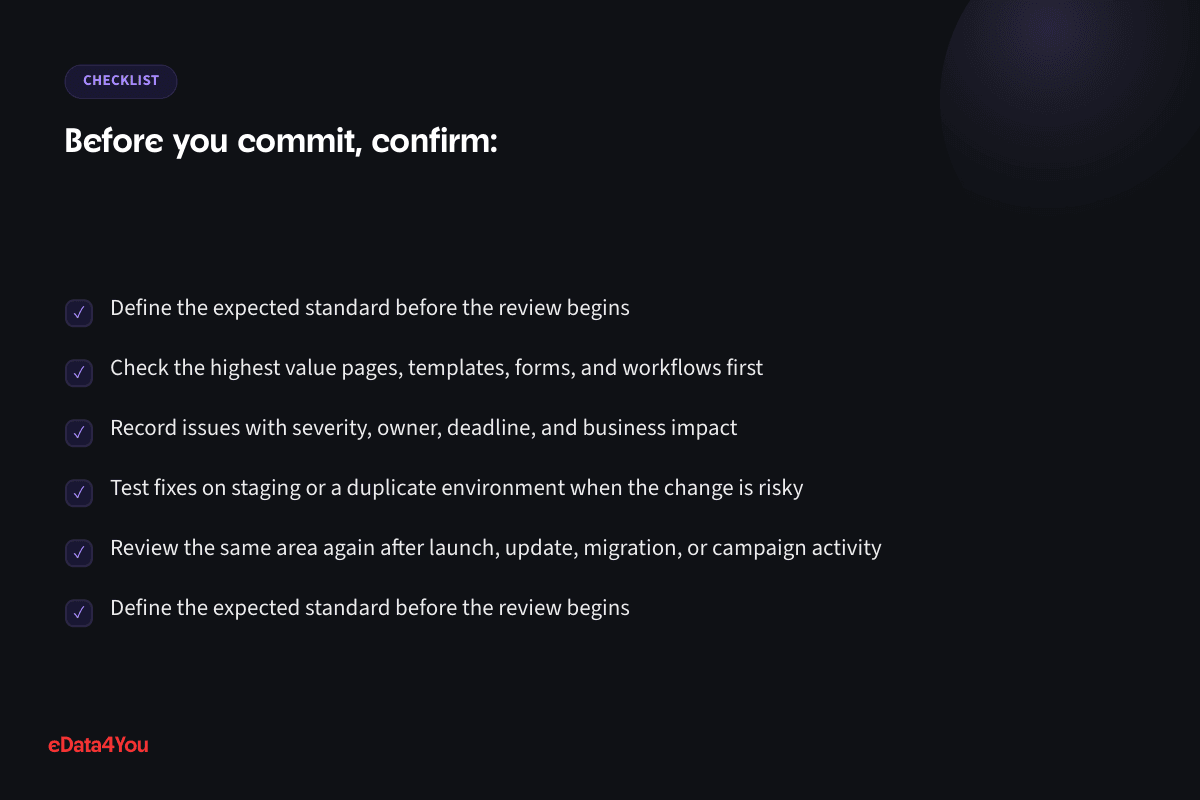
Define the expected standard before the review begins
Check the highest value pages, templates, forms, and workflows first
For your next planning session
Good guidance is worth keeping.
Save this guide and return when you’re ready to put it into practice.
Record issues with severity, owner, deadline, and business impact
Test fixes on staging or a duplicate environment when the change is risky
Review the same area again after launch, update, migration, or campaign activity
2. Image, video, and media optimization
When this part is ignored, small problems compound. A single outdated setting, weak workflow, missing test, or undocumented dependency can create downtime, support tickets, lost leads, or ranking problems later.
For Performance websites, review image, video, and media optimization with both a technical lens and a business lens. Ask whether the current setup protects revenue, lead generation, content publishing, analytics, and support workflows. A check that does not connect to business impact is easy to skip, and skipped checks are where preventable issues begin.
Use a simple record for each review: what was checked, what changed, what risk remains, and who owns the next action. This creates accountability and prevents repeated discussions every time the same problem appears.
Define the expected standard before the review begins
Check the highest value pages, templates, forms, and workflows first
Record issues with severity, owner, deadline, and business impact
Test fixes on staging or a duplicate environment when the change is risky
Review the same area again after launch, update, migration, or campaign activity
3. Third-party script and tracking audit
A practical maintenance plan treats this as scheduled work. The team should know what to check, where to check it, what good looks like, and who decides whether a fix is urgent.
For Performance websites, review third-party script and tracking audit with both a technical lens and a business lens. Ask whether the current setup protects revenue, lead generation, content publishing, analytics, and support workflows. A check that does not connect to business impact is easy to skip, and skipped checks are where preventable issues begin.
Use a simple record for each review: what was checked, what changed, what risk remains, and who owns the next action. This creates accountability and prevents repeated discussions every time the same problem appears.
Define the expected standard before the review begins
Check the highest value pages, templates, forms, and workflows first
Record issues with severity, owner, deadline, and business impact
Test fixes on staging or a duplicate environment when the change is risky
Review the same area again after launch, update, migration, or campaign activity
4. Caching, CDN, and hosting review
The best approach is to document the baseline, review it at a fixed interval, and record every meaningful change. That makes troubleshooting easier when performance, rankings, forms, checkout, or integrations behave differently.
More resources
Understand the terms.
Follow the changes.
Clear definitions and marketplace updates, with context you can use in your next decision.
For Performance websites, review caching, cdn, and hosting review with both a technical lens and a business lens. Ask whether the current setup protects revenue, lead generation, content publishing, analytics, and support workflows. A check that does not connect to business impact is easy to skip, and skipped checks are where preventable issues begin.
Use a simple record for each review: what was checked, what changed, what risk remains, and who owns the next action. This creates accountability and prevents repeated discussions every time the same problem appears.
Define the expected standard before the review begins
Check the highest value pages, templates, forms, and workflows first
Record issues with severity, owner, deadline, and business impact
Test fixes on staging or a duplicate environment when the change is risky
Review the same area again after launch, update, migration, or campaign activity
5. Database and backend response checks
For growing businesses, this area should also connect with reporting. Maintenance should not only prevent failure. It should show whether the site is becoming faster, cleaner, easier to manage, and more useful to users.
For Performance websites, review database and backend response checks with both a technical lens and a business lens. Ask whether the current setup protects revenue, lead generation, content publishing, analytics, and support workflows. A check that does not connect to business impact is easy to skip, and skipped checks are where preventable issues begin.
Use a simple record for each review: what was checked, what changed, what risk remains, and who owns the next action. This creates accountability and prevents repeated discussions every time the same problem appears.
Define the expected standard before the review begins
Check the highest value pages, templates, forms, and workflows first
Record issues with severity, owner, deadline, and business impact
Test fixes on staging or a duplicate environment when the change is risky
Review the same area again after launch, update, migration, or campaign activity
Monthly Maintenance Checklist
Use this checklist once a month for most business websites. High-traffic ecommerce sites, membership sites, and campaign-heavy sites may need weekly or even daily checks for revenue-critical workflows.
Area Monthly Check
Backups Confirm backups ran successfully and test restore access at least quarterly
Updates Review platform, plugin, package, theme, and dependency updates before applying
Security Check admin users, permissions, malware alerts, SSL, spam, and suspicious activity
Explore related concepts
Related term
CDN (Content Delivery Network)
Definition of CDN (Content Delivery Network)
A network of servers that caches a site's content closer to visitors, reducing load times.
Example in practice
A shopper in Australia loads a store's product images from a nearby CDN server instead of waiting for them to load from the store's origin server in the US.
Speed Review mobile performance, image weight, scripts, Core Web Vitals, and hosting response
SEO Check redirects, metadata, sitemap, broken links, indexation, and important page changes
Forms Submit test entries through contact forms, quote forms, newsletter forms, and lead forms
Analytics Confirm conversions, events, pixels, campaign links, and reports are still tracking
Content Update outdated claims, service details, product details, screenshots, and CTAs
Integrations Test CRM, payment, shipping, inventory, email, and API workflows where relevant
Accessibility Review headings, alt text, keyboard navigation, contrast, and form labels
Documentation Record changes, issues, owners, deadlines, and next review dates
The checklist should be assigned to a real owner. If everyone assumes someone else is watching the website, maintenance will not happen consistently.
Ecommerce and AI Considerations
For ecommerce websites, maintenance directly affects revenue. Product data, inventory, filters, product images, discounts, shipping rates, payment methods, tax settings, order emails, reviews, and marketplace feeds need regular checks. A small error in a product template or checkout setting can affect many orders.
AI adds another layer to maintenance. Businesses are using AI for search visibility, product descriptions, customer support, recommendations, reporting, and content workflows. AI tools work best when website data is structured, current, and consistent. If FAQs are outdated, product attributes are messy, policies are unclear, or schema is missing, AI-driven workflows will produce weak or risky results.
Maintain AI readiness by keeping content structured, schema accurate, product fields consistent, support knowledge bases updated, and analytics reliable. Human review should remain part of any AI workflow that affects customers, pricing, policies, or brand voice.
Budget, Timeline, and Ownership
A realistic maintenance budget depends on site complexity. A small brochure website may need a few hours each month. A WordPress or WooCommerce site with many plugins needs more time for updates, testing, security, and backups. A Next.js, headless, Magento, or integration-heavy site may need developer involvement, monitoring, and release planning.
Budget should cover routine checks, emergency support, backups, updates, speed work, SEO monitoring, content fixes, reporting, and documentation. If maintenance only includes software updates, important business workflows may remain untested.
Ownership matters as much as budget. Decide who handles technical updates, content edits, SEO checks, analytics review, security alerts, hosting communication, support tickets, and emergency decisions. Maintenance fails when responsibility is unclear.
30-60-90 Day Maintenance Roadmap
Timeline Focus Outcome
First 30
Days
Audit the current site, document baseline, review risks, confirm backups, test forms, and check analytics
Your growth partner
Great work starts with a clear plan.
Websites, storefronts, mobile apps and custom internal software - designed, built and maintained by one accountable team, whatever platform the work runs on.
One accountable team, from scope to reporting.

Support for this article
Software & Product Development
- React & Next.js Development ServicesServer-rendered, App Router-based Next.js builds - fast first paint, real SEO, and a codebase a future developer can actually pick up.
- WordPress DevelopmentWordPress builds run on a clean core setup and a maintained plugin stack - not a pile of plugins nobody remembers installing.
- WooCommerce DevelopmentWooCommerce stores built around how the catalog and checkout actually need to work, rather than simply how the plugin defaults handle it.
From first conversation to delivery
Start with the real bottleneck.
We review your listings, storefront, campaigns or workflows to identify what needs attention. Bring examples of the work you want to improve.
Know the scope before work starts.
We agree priorities, scope and timelines before execution. You know what the team will handle and how the work will be organised.
Keep one team accountable.
The team that scoped the work handles delivery. Responsibility stays clear as tasks move from planning into execution.
See what changed and what comes next.
Regular reporting connects the work to progress and results. Review what has been done and decide what should happen next.
To get started, share your platform, current workload and target timeline.
Clear understanding of current website health
Days 31-60 Fix high-priority issues, update workflows, clean content, improve speed, review SEO, and stabilize integrations
Fewer avoidable problems and better operational control
Days 61-90 Build monthly reporting, assign owners, improve documentation, create update calendar, and review performance trends
Repeatable maintenance system with measurable improvements
This roadmap gives the team structure. It also helps an outsourced partner understand what needs attention first.
How eData4You Can Help
eData4You helps businesses maintain websites, ecommerce stores, WordPress sites, WooCommerce stores, Shopify stores, content workflows, product data, technical SEO tasks, performance checks, and ongoing support operations.
Our team can support website updates, content changes, product uploads, catalog cleanup, backup coordination, QA checks, SEO maintenance, speed review, landing page updates, integration monitoring, and ecommerce back-office support. This is useful for businesses that need both technical care and reliable execution.
If your website needs regular maintenance, ecommerce support, product data work, WordPress updates, WooCommerce checks, Shopify support, Next.js QA, or technical SEO review, our software and product development team can help — contact eData4You to discuss the maintenance plan.
Frequently Asked Questions
How often should a website be maintained?
Most business websites need monthly maintenance. Ecommerce, membership, lead generation, and high-traffic websites should also have weekly checks for revenue-critical workflows such as forms, checkout, analytics, and integrations.
What is included in website maintenance?
Website maintenance can include updates, backups, security checks, speed review, SEO monitoring, content fixes, form testing, analytics validation, accessibility checks, database cleanup, integration tests, and reporting.
Can website maintenance improve SEO?
Yes. Maintenance protects SEO by keeping pages fast, redirects clean, metadata accurate, content fresh, internal links working, schema valid, and crawl errors under control.
Should maintenance be handled in-house or outsourced?
In-house teams work well when they have time and technical skill. Outsourcing is useful when the business needs consistent checks, faster response, platform expertise, or support for content, product data, SEO, and ecommerce operations.
What is the biggest website maintenance mistake?
The biggest mistake is waiting until something breaks. A scheduled maintenance system is cheaper, calmer, and more reliable than emergency repair after lost traffic, failed leads, or broken checkout.
Final Thoughts
Performance maintenance is not busywork. It protects the value of the website after launch. A well-maintained site is faster, safer, easier to manage, more search-friendly, and more dependable for customers.
Start with a baseline, create a monthly checklist, assign clear owners, test important workflows, document changes, and improve based on real data. That is how website maintenance becomes a growth system instead of a background chore.

Reviewed by Amit Sharma, Founder & IT Head· Content reviewed Sep 2026
Explore eData4You
Find the right next step.
Check your fit, explore blog topics or find the service that supports your work.
Start with your industry, then check the platforms and technology that support your workload.
Blog topics
Choose a topic to explore recent guides on the work behind ecommerce.
Recent guides
Software & Product Development
Software & Product Development: 3 guides to explore.
Browse all articlesServices
Start with services relevant to this guide, or explore the rest of our services.




Comments
Leave a comment