
Quick answer
Migration planning including data audits, product mapping, SEO redirects, and launch risk management.
A detailed Shopify migration guide covering data audit, product mapping, SEO redirects, theme planning, checkout, integrations, testing, and launch risk control.
Migration projects fail when teams treat them as simple data transfers. Products, URLs, SEO equity, customer records, orders, integrations, and operational workflows all need careful planning.
This guide gives you a migration process that protects revenue, data quality, search visibility, and customer experience during the move to Shopify.
Migration Guide This guide gives you a migration process that protects revenue, data quality, search visibility, and customer experience during the move to Shopify.
Data Mapping Clarify the commercial goal, customer journey, and operating requirements before making changes. SEO Protection Build the storefront, catalog, apps, checkout, and workflows with speed and maintainability in mind. Launch Control Review performance, analytics, SEO, and support data after launch so the store keeps improving. 3 layers to manage: storefront, operations, and growth 5 areas to document: catalog, apps, checkout, SEO, and ownership 90 days to launch, stabilize, and improve the Shopify system 1 Data Mapping Define the goal, audience, revenue model, and buyer questions before implementation begins. 2 SEO Protection Make technical choices that protect speed, SEO, conversion, reporting, and daily management. 3 Launch Control Assign clear owners for updates, QA, analytics, customer support, and ongoing maintenance. 4 Store Growth Use reports and customer feedback to improve the store after launch instead of guessing.
Who This Guide Is For
This guide is written for ecommerce businesses moving from WooCommerce, Magento, BigCommerce, custom platforms, spreadsheets, or marketplace-first operations into Shopify. It is also useful for business owners who are planning to outsource Shopify work and want to understand what a responsible project or management process should include.
The goal is not to make every reader a Shopify developer. The goal is to help you ask better questions, avoid common mistakes, and build a store that supports sales, operations, SEO, customer experience, and long-term growth.
Why This Matters for Shopify Businesses
Shopify makes it easy to open a store, but easy setup does not automatically create a strong ecommerce operation. A profitable store still needs clean product data, fast pages, strong merchandising, trustworthy policies, reliable checkout, accurate analytics, and repeatable management routines.
Many stores underperform because the team treats Shopify as a one-time website project. In reality, Shopify is an operating system for ecommerce. Development decisions affect store management, and management habits affect conversion, search visibility, customer support, and revenue.
When you plan Shopify work properly, you reduce avoidable rework. When you manage it consistently, the store stays accurate, fast, and easier to improve.
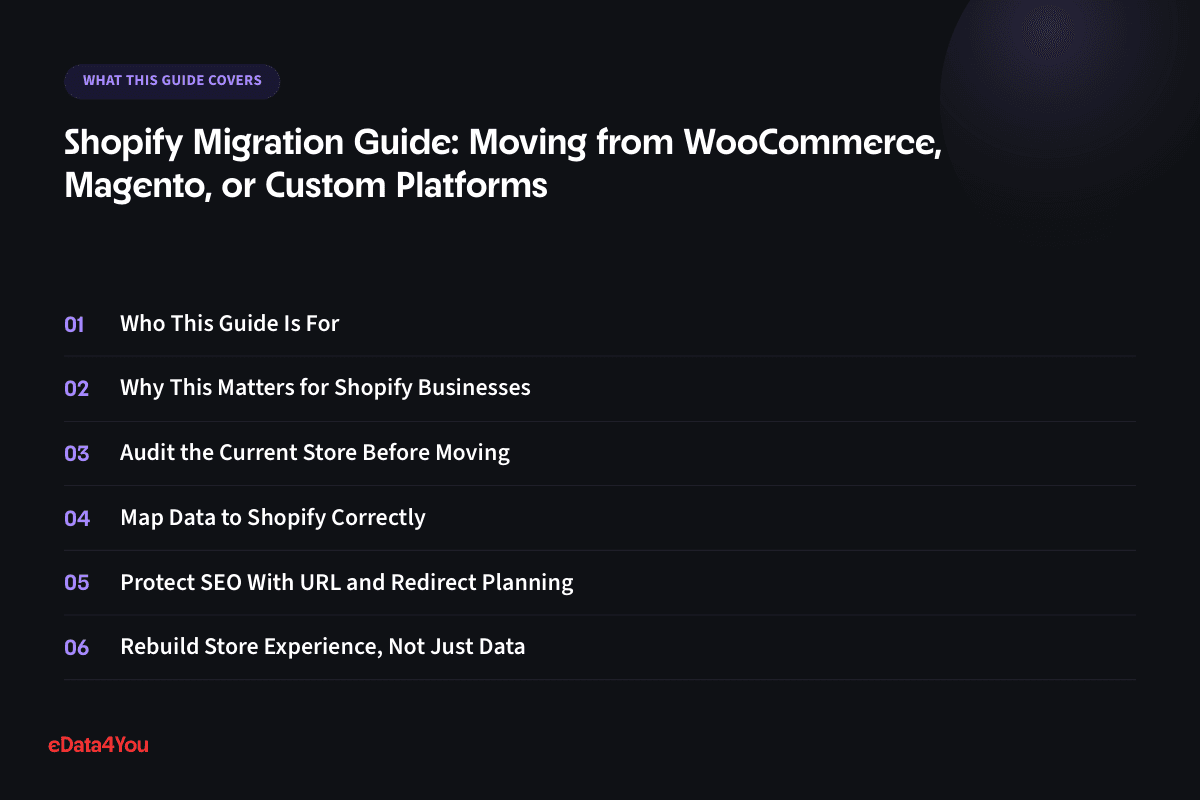
Audit the Current Store Before Moving
Start by documenting what exists today: products, variants, categories, images, customers, orders, URLs, blogs, pages, apps, payment methods, shipping rules, tax settings, and integrations.
Migration is the right time to clean up old problems. Do not blindly move duplicate products, weak descriptions, outdated categories, and broken pages into Shopify.
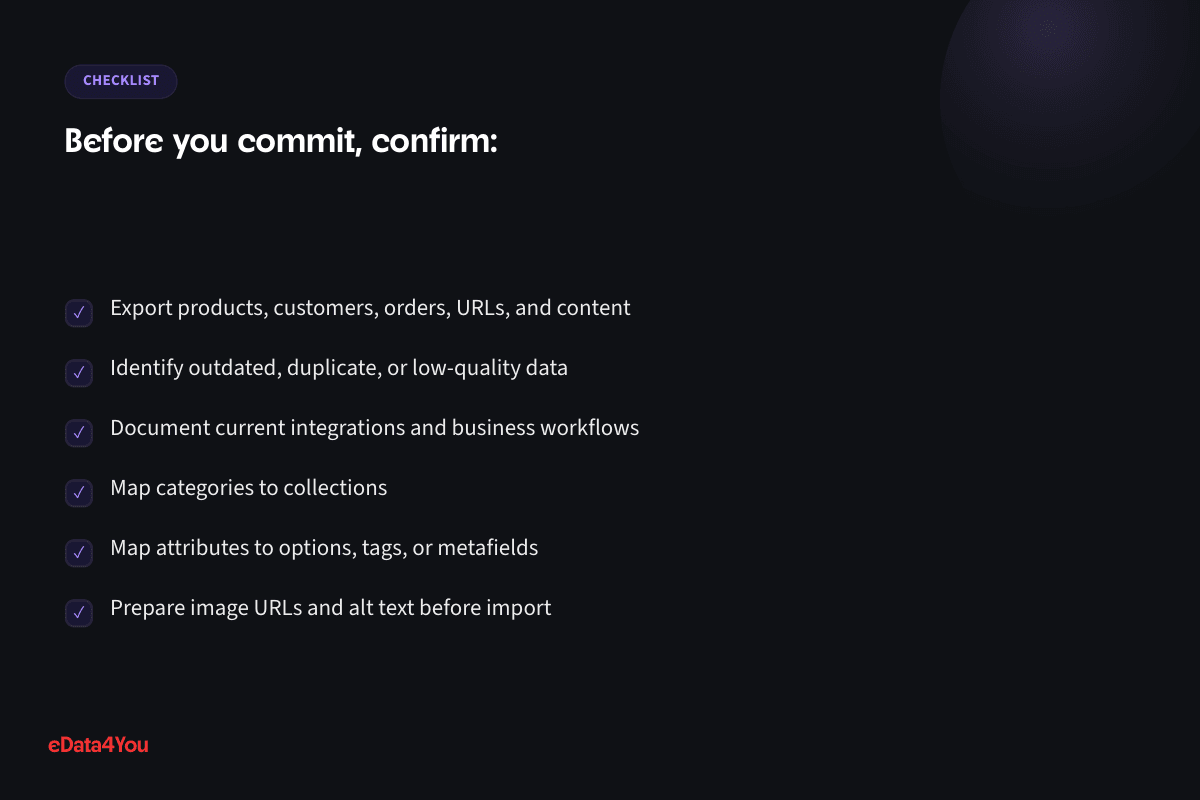
Export products, customers, orders, URLs, and content
Identify outdated, duplicate, or low-quality data
Document current integrations and business workflows
Map Data to Shopify Correctly
Different platforms organize catalog data differently. WooCommerce categories, Magento attributes, custom database fields, and marketplace feeds may not translate directly into Shopify products, variants, tags, collections, and metafields.
Create a mapping document before importing. This prevents missing variants, broken filters, weak collections, and inconsistent product pages.

Map categories to collections
For your next planning session
Good guidance is worth keeping.
Save this guide and return when you’re ready to put it into practice.
Map attributes to options, tags, or metafields
Prepare image URLs and alt text before import
Protect SEO With URL and Redirect Planning
SEO loss is one of the biggest migration risks. If old URLs disappear without proper redirects, rankings and traffic can drop quickly.
Build a URL map that connects every valuable old product, category, blog, and page URL to its new Shopify equivalent. Prioritize high-traffic and high-revenue pages.
Export current URLs and ranking pages
Create 301 redirects before launch
Check Search Console after migration
Rebuild Store Experience, Not Just Data
A migration is also an opportunity to improve navigation, product pages, collection structure, checkout, content, and conversion flow.
Do not assume the old platform structure should be copied exactly. Use Shopify’s strengths to simplify the customer journey and make the store easier to manage.
Redesign navigation around buyer behavior
Improve product page templates
Set up collections, filters, and search carefully
Test Before and After Launch
Migration QA should include data accuracy, product variants, checkout, taxes, shipping, redirects, analytics, apps, forms, emails, inventory, and customer account behavior where applicable.
Launch with a rollback and issue response plan. The first 48 hours after migration should be monitored closely.
Run test orders and refunds
Check redirects and broken links
Monitor traffic, sales, and support messages after launch
Step-by-Step Implementation Framework
Use this framework before approving Shopify development, redesign, migration, app installation, or store management work:
Compare, then choose
Shopify vs WooCommerce
A hosted platform vs a self-hosted WordPress plugin - the real tradeoff is control vs convenience.
The practical tradeoffs
Shopify
- Hosting, security and uptime are Shopify's problem, not yours
- A large, vetted app ecosystem covers most needs without custom code
2 more tradeoffs
- Monthly platform fees plus transaction fees on non-Shopify payment gateways
- Less flexibility for deep custom logic without Shopify Plus or a headless build
Switch platforms to review both sides.
- Your team
- Your catalog
- Your operations
Question 1 of 3
Define the business outcome and the customer journey
Audit current products, pages, apps, analytics, and operational workflows
Prioritize changes that affect conversion, speed, SEO, or management efficiency
Document app requirements, theme changes, checkout settings, and ownership
Test on mobile, desktop, product pages, collection pages, cart, and checkout
Launch with analytics, issue tracking, and a post-launch review schedule
This process keeps the project practical. It also helps your internal team and Shopify partner work from the same scope instead of relying on vague requests.
Practical Shopify Checklist
Area What to Check
Storefront Does the homepage, navigation, product page, collection page, and cart make the buying path clear?
Product Data Are titles, descriptions, variants, SKUs, images, tags, metafields, and collections consistent?
Apps Does every app have a clear purpose, owner, cost, and performance impact review?
Checkout Have payments, shipping, taxes, discounts, confirmation emails, and refunds been tested?
SEO Are URLs, titles, descriptions, headings, internal links, image alt text, redirects, and indexable pages reviewed?
Analytics Are purchase, add-to-cart, checkout, campaign, and conversion events working correctly?
Management Does someone own catalog updates, reports, promotions, support issues, and maintenance?
Use this checklist before launch and repeat it during monthly store reviews. Shopify stores improve fastest when the team works from a repeatable operating system.
Ecommerce and AI Considerations
Shopify teams are increasingly using AI for product descriptions, product recommendations, customer support, search, merchandising, analytics summaries, inventory forecasting, and campaign workflows. These tools can save time, but they depend on clean data and clear human review.
If product attributes are inconsistent, variants are poorly named, images are missing context, or collections are disorganized, AI tools will not produce reliable results. The same applies to customer support automation. AI can only answer accurately when policies, product details, shipping rules, and return rules are documented.
For 2026 and beyond, Shopify stores should be built with AI readiness in mind. That means structured product data, consistent metafields, clear permissions, reliable analytics, documented workflows, and review steps for anything that affects customers or revenue.
More resources
Understand the terms.
Follow the changes.
Clear definitions and marketplace updates, with context you can use in your next decision.
Common Mistakes to Avoid
Treating Shopify development as only a design task
Installing apps before defining the business requirement
Uploading products without a consistent data structure
Ignoring mobile speed and storefront performance
Making live theme changes without staging or QA
Launching without testing payment, shipping, taxes, discounts, and emails
Forgetting redirects, metadata, and SEO structure during redesigns or migrations
Reviewing analytics only after sales decline
Leaving store management responsibilities unclear
Most Shopify problems are preventable. The safest approach is to plan first, build carefully, test before launch, and improve based on real data.
Budget, Timeline, and Ownership
A responsible Shopify budget should include discovery, theme setup or customization, product data preparation, content, apps, checkout configuration, SEO basics, analytics, QA, launch support, and ongoing maintenance. A low quote that only covers theme setup may miss the work required to make the store perform.
Timeline depends on complexity. A focused Shopify setup with a small catalog may move quickly. A larger store with custom theme sections, migration work, product data cleanup, app configuration, SEO redirects, or integrations needs more time because testing and data mapping matter.
Ownership should be decided before launch. Assign responsibility for product updates, app billing, speed checks, analytics review, SEO updates, order exceptions, customer support issues, and monthly audits. Clear ownership prevents the store from slowly becoming disorganized.
30-60-90 Day Roadmap
Timeline Focus Outcome
First 30
Days
Discovery, store audit, product data review, app review, workflow mapping, and requirements
Clear scope and reduced risk before major changes
Your growth partner
Great work starts with a clear plan.
Websites, storefronts, mobile apps and custom internal software - designed, built and maintained by one accountable team, whatever platform the work runs on.
One accountable team, from scope to reporting.

Support for this article
Software & Product Development
- React & Next.js Development ServicesServer-rendered, App Router-based Next.js builds - fast first paint, real SEO, and a codebase a future developer can actually pick up.
- WordPress DevelopmentWordPress builds run on a clean core setup and a maintained plugin stack - not a pile of plugins nobody remembers installing.
- WooCommerce DevelopmentWooCommerce stores built around how the catalog and checkout actually need to work, rather than simply how the plugin defaults handle it.
From first conversation to delivery
Start with the real bottleneck.
We review your listings, storefront, campaigns or workflows to identify what needs attention. Bring examples of the work you want to improve.
Know the scope before work starts.
We agree priorities, scope and timelines before execution. You know what the team will handle and how the work will be organised.
Keep one team accountable.
The team that scoped the work handles delivery. Responsibility stays clear as tasks move from planning into execution.
See what changed and what comes next.
Regular reporting connects the work to progress and results. Review what has been done and decide what should happen next.
To get started, share your platform, current workload and target timeline.
Days 31-60 Theme work, catalog cleanup, app setup, checkout configuration, content updates, and analytics setup
Working Shopify system ready for structured QA
Days 61-90 Launch, testing, report review, support monitoring, SEO checks, speed improvements, and optimization
Stable store with a measurable improvement plan
This roadmap can be adjusted to your store size, but the order is important. Planning comes before building, testing comes before launch, and optimization comes after real behavior is measured.
How eData4You Can Help
eData4You helps ecommerce businesses with Shopify store development, Shopify management, product data services, catalog processing, content updates, SEO support, app coordination, website maintenance, customer support workflows, and ecommerce back-office operations.
Our software and product development team can support Shopify setup, theme customization, product uploads, collection management, product description improvement, image and catalog cleanup, app audits, migration support, QA, analytics checks, and ongoing store maintenance. This is useful for businesses that need both technical work and reliable day-to-day execution.
If your Shopify store needs development, management, product data cleanup, migration support, app review, or ongoing ecommerce operations help, contact eData4You to discuss the project.
Frequently Asked Questions
Can I migrate from WooCommerce to Shopify?
Yes. Products, customers, orders, pages, and URLs can usually be migrated, but mapping and SEO redirects need careful planning.
Will Shopify migration affect SEO?
It can if redirects, metadata, content, internal links, and page structure are handled poorly. A proper migration plan reduces SEO risk.
How long does a Shopify migration take?
Timeline depends on catalog size, data quality, design changes, integrations, and testing. A simple migration may take weeks; complex migrations can take longer.
Will I lose my product reviews during migration?
Reviews don't migrate automatically in most cases - they typically live in a third-party app on your old platform. Plan to export them separately and re-import them into a Shopify reviews app as part of the migration checklist.
Should I migrate during a slow sales period?
Yes, whenever possible. Migrating during a low-traffic window gives you room to catch and fix issues - broken redirects, missing products, checkout errors - before they affect meaningful order volume.
Final Thoughts
Shopify can give a business a strong ecommerce foundation, but the platform performs best when development and management are handled as one connected system. Design, product data, apps, checkout, SEO, analytics, support, and maintenance all affect the customer experience.
Start with the business problem, document the workflow, make careful technology decisions, test before launch, and keep improving after the store is live. That is how Shopify becomes a growth asset instead of just another website.

Reviewed by Amit Sharma, Founder & IT Head· Content reviewed Sep 2026
Explore eData4You
Find the right next step.
Check your fit, explore blog topics or find the service that supports your work.
Start with your industry, then check the platforms and technology that support your workload.
Blog topics
Choose a topic to explore recent guides on the work behind ecommerce.
Recent guides
Software & Product Development
Software & Product Development: 3 guides to explore.
Browse all articlesServices
Start with services relevant to this guide, or explore the rest of our services.




Comments
Leave a comment