Quick answer
Most failed launches result from unready listings; successful launches are 80% preparation before first ad spend.
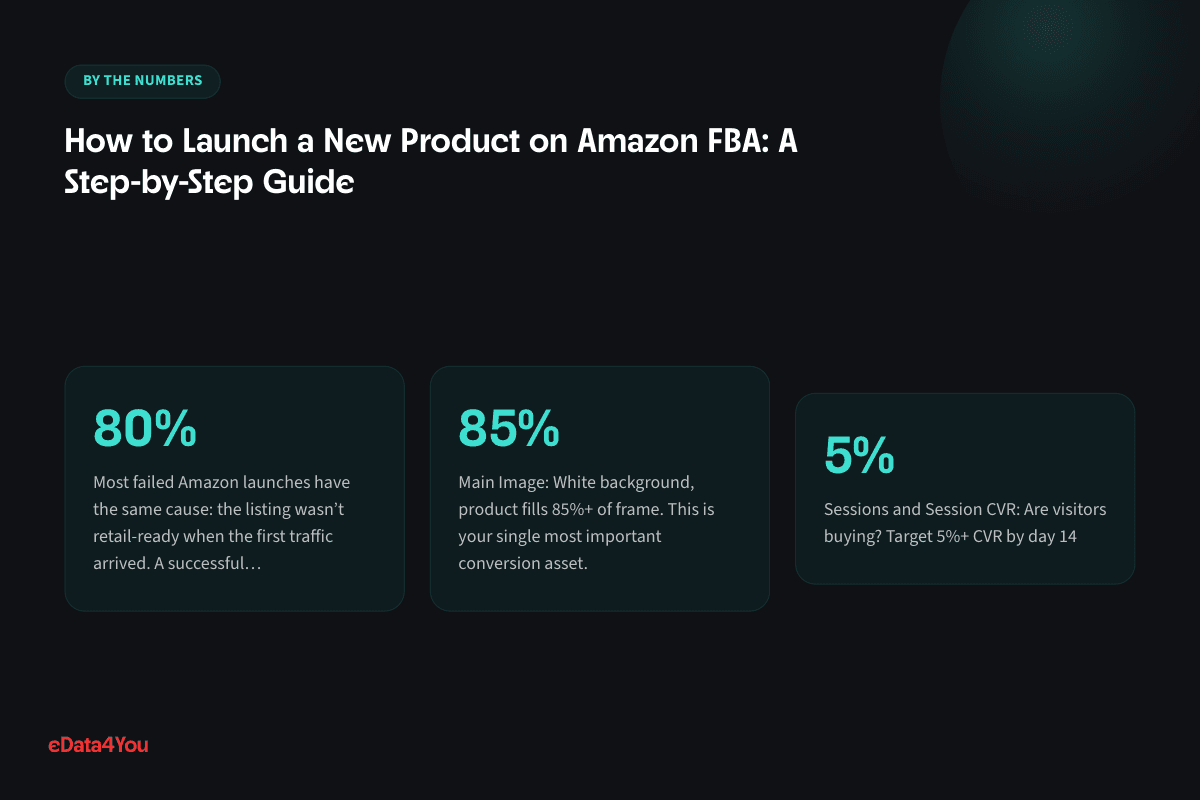
Most failed Amazon launches have the same cause: the listing wasn’t retail-ready when the first traffic arrived. A successful launch is 80% preparation before the first ad dollar is spent.
Research and Validate the Product Opportunity
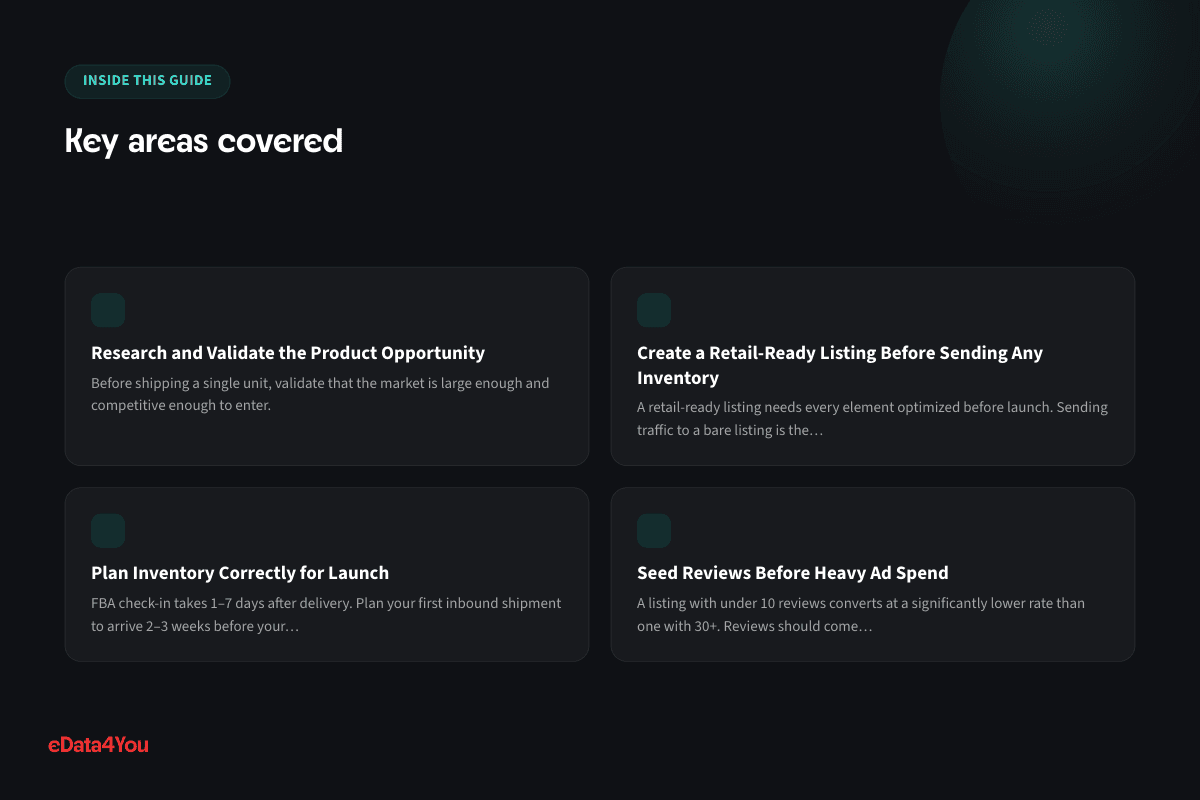
Before shipping a single unit, validate that the market is large enough and competitive enough to enter.
Use the BSR to estimate sales volume for top-ranked competitors. If the top 10 listings have BSRs of 2,000–8,000 in your category, and the category converts enough of that rank to 30–60+ units/day, there is real demand. If the top listings have BSRs of 50,000+, volume may not justify the launch investment.
Evaluate the top 3 competitor listings. Ask:
How many reviews do they have? (Under 200 is enterable; over 1,000 makes differentiation harder)
What are customers complaining about in 1–3 star reviews? (These are your differentiation opportunities)
What is the average selling price? (Can you compete or command a premium?)
Are there patent or trademark risks? (Verify before any product investment)
For your next planning session
Good guidance is worth keeping.
Save this guide and return when you’re ready to put it into practice.
Create a Retail-Ready Listing Before Sending Any Inventory
A retail-ready listing needs every element optimized before launch. Sending traffic to a bare listing is the single most common launch mistake.
Title: Lead with the primary keyword (confirmed with keyword research tools). Include brand, key features, and differentiators in the first 60 characters.
5 Bullet Points: Each bullet should address a buyer concern or benefit. Use secondary keywords. Lead with the benefit, follow with the feature.
Backend Search Terms: Fill all 250 bytes with keywords not already in the title or bullets - synonyms, alternate spellings, related use-case terms.
Main Image: White background, product fills 85%+ of frame. This is your single most important conversion asset.
Secondary Images (positions 2–9): Lifestyle shots, infographic with key specs, size comparison, in-use demonstration. Fill all available slots.
A+ Content: Create this immediately for Brand Registry sellers. A+ modules with comparison charts and brand story increase conversion rate measurably.
Price: Research the Buy Box price distribution for your category. Launch at or slightly below the category midpoint to maximize early conversion data.
Plan Inventory Correctly for Launch
FBA check-in takes 1–7 days after delivery. Plan your first inbound shipment to arrive 2–3 weeks before your launch date. Send enough inventory to cover 60–90 days of your sales forecast - not too much (storage fees), not too little (stockout during launch ranking momentum).
Calculate your reorder point before the first unit sells, so the second purchase order is placed automatically when inventory hits the trigger level.
Seed Reviews Before Heavy Ad Spend
A listing with under 10 reviews converts at a significantly lower rate than one with 30+. Reviews should come before major PPC investment.
Vine Program: For Brand Registry sellers, enroll the ASIN in Vine immediately after the listing goes live. Submit 15–30 units. Vine reviews typically post within 30 days. The $200 enrollment fee is the most efficient review-seeding spend in ecommerce.
Request a Review: The automated review request button in Seller Central should be triggered on every order from day one. It sends Amazon’s templated review request 5–30 days after delivery.
Do not run aggressive PPC until you have at least 10–15 reviews. ACOS before reviews is high because conversion rate is low.
Structure Your Launch PPC Campaigns
PPC during launch has two goals: generate sales velocity (to signal keyword relevance to A9) and identify which keywords convert.
Explore related concepts
Related term
ASIN
Definition of ASIN
Amazon Standard Identification Number - the unique code Amazon assigns to every product listing on its catalog.
Example in practice
A seller launching a private-label phone case gets one ASIN when the listing goes live; every size or color variation gets its own child ASIN under the same parent.
Launch campaign structure:
Auto Campaign: Broad discovery. Set a moderate daily budget ($20–$50 depending on category). Review search terms after 7–10 days.
Manual Broad/Phrase Campaign: Load your 20–30 target keywords (researched and prioritized by monthly search volume and relevance). Run all at moderate bids.
Exact Match - Target Keywords: Your 5–10 highest-priority keywords in exact match at aggressive bids. This campaign seeds the specific keyword-to-purchase signals A9 needs to rank you organically.
Do not launch with a single auto campaign and walk away. Active management in the first 30 days determines your organic trajectory.
Monitor Launch KPIs Daily for the First 30 Days
Track these metrics daily during launch:
Sessions and Session CVR: Are visitors buying? Target 5%+ CVR by day 14
BSR trend: Should be improving (dropping) as sales accumulate
Keyword rank: Track your top 5 keywords in a rank tracker. Are you moving from page 3 to page 2 to page 1?
Business Analyzer
Know your numbers before you scale.
Understand margin, ad return and storefront performance using your own business inputs. Explore what the report checks.
Report outline
ProfitabilityWhere does your revenue go?
- Fees and marginWhere each dollar of revenue goes, and what's left.
- Marketplace fee comparisonWhat your revenue would cost in selling fees on each platform.
- Profit leaksCosts running above healthy levels at the numbers you entered.
Have this ready
Start with your selling channels, monthly revenue, return rate and goal. Add product cost and monthly team cost for a fuller margin picture.
Report outline
AdvertisingWhat does your ad return need to cover?
- Break-even ad returnThe ad return you need just to break even, against what you're getting.
- Ad spend in your cost mixSee how monthly ad spend affects the margin left after your entered costs.
- Revenue relative to ad spendCompare monthly revenue with monthly ad spend alongside the break-even threshold.
Have this ready
Bring your business figures and monthly ad spend. Add product cost as a percentage of price to calculate break-even ad return.
Report outline
Store performanceHow does your storefront perform?
- Mobile speedA live scan checks how your store performs on mobile.
- Google SEO checksSee the SEO checks included in your store scan.
- Product markupCheck for structured product data on your store or product page.
Have this ready
Add a store or product page URL alongside your business figures. The store scan runs after you unlock the full report.
ACOS by campaign: Identify which campaigns and keywords are converting efficiently and reallocate budget toward them
Reviews received: Monitor Vine and organic review velocity
A launch that shows no BSR improvement and no keyword rank movement after 14 days with consistent sales typically means either: (a) the listing needs CVR improvement, (b) bids are too low to win impressions, or (c) the category is more competitive than the research suggested.
Define Launch Success
A product that reaches page one organically for its primary keyword within 45–60 days of launch is on track. Most competitive categories require 8–12 weeks of consistent daily sales velocity before organic ranking stabilizes.
The launch period ends when your organic sales exceed your PPC-driven sales. Until that crossover, the product is still in launch mode and should be managed aggressively.
Frequently Asked Questions
How many reviews do I need before I start running heavy PPC?
At least 10-15. A listing with under 10 reviews converts significantly lower than one with 30+, so ACOS looks artificially high in the early days simply because conversion rate hasn't caught up yet - reviews should come before aggressive ad spend, not alongside it.
Your growth partner
Great work starts with a clear plan.
End-to-end operation of your marketplace storefronts - listings, ads, fulfillment and compliance.
One accountable team, from scope to reporting.
Support for this article
Marketplace Management
- Marketplace Account ManagementDay-to-day account handling, marketplace updates, issue tracking and operational coordination.
- Product Listing & Upload ServicesAccurate titles, descriptions, attributes, images, variants, specs and marketplace-ready product data.
- Listing OptimizationKeyword cleanup, better content structure, rich listing data, compliance fixes and visibility improvements.
From first conversation to delivery
Start with the real bottleneck.
We review your listings, storefront, campaigns or workflows to identify what needs attention. Bring examples of the work you want to improve.
Know the scope before work starts.
We agree priorities, scope and timelines before execution. You know what the team will handle and how the work will be organised.
Keep one team accountable.
The team that scoped the work handles delivery. Responsibility stays clear as tasks move from planning into execution.
See what changed and what comes next.
Regular reporting connects the work to progress and results. Review what has been done and decide what should happen next.
To get started, share your platform, current workload and target timeline.
Is the Vine program worth the enrollment fee?
For Brand Registry sellers, generally yes. At roughly $200 to enroll 15-30 units, it's one of the most efficient review-seeding spends in ecommerce, with reviews typically posting within 30 days of enrollment.
How much inventory should I send for a launch?
Enough to cover 60-90 days of your sales forecast, arriving 2-3 weeks before launch to account for FBA check-in time. Too little risks a stockout during the ranking momentum you're trying to build; too much means paying storage fees on excess units.
What does it mean if my BSR isn't improving after 14 days of sales?
It usually points to one of three causes: the listing itself needs a conversion-rate fix, your bids are too low to win meaningful impressions, or the category is more competitive than your initial research suggested.
When is a product launch actually considered complete?
When organic sales exceed PPC-driven sales - typically 45-60 days in for a product reaching page one, with competitive categories needing 8-12 weeks of consistent velocity. Until that crossover point, the listing should still be managed as an active launch, not left on autopilot.
Conclusion
A successful Amazon launch is decided before the first ad ever runs - in the retail-readiness of the listing, the inventory positioning, and the review foundation. Sellers who skip straight to PPC on a bare listing are paying to discover problems that a proper pre-launch checklist would have caught for free.
If you're preparing a launch and want a second set of eyes on the listing, inventory plan, or PPC structure, our marketplace management service runs this exact checklist for brands launching on Amazon every month.

Reviewed by Amit Sharma, Founder & IT Head· Content reviewed Sep 2026
Explore eData4You
Find the right next step.
Check your fit, explore blog topics or find the service that supports your work.
Start with your industry, then check the platforms and technology that support your workload.
Blog topics
Choose a topic to explore recent guides on the work behind ecommerce.
Services
Start with services relevant to this guide, or explore the rest of our services.




Comments
Leave a comment