

Quick answer
What you need to know
A complete guide to how AI is changing website and app development in 2026 across planning, coding, QA, content, personalization, automation, and maintenance.
Who This Guide Is For
AI Is Becoming Part of the Development Lifecycle
AI in Planning and Requirements
Premium reader tools
Turn insight into action
The brief, before you dive in
A practical snapshot of what this guide will help you understand and apply.
Key takeaways
- Who This Guide Is For: This guide is written for business owners, ecommerce teams, startup founders, operations managers, marketing teams, and decision-makers who need devel…
- AI Is Becoming Part of the Development Lifecycle: AI can support almost every stage of development: research, requirements, user stories, architecture options, code drafting, test case generation, doc…
- AI in Planning and Requirements: AI can help turn rough ideas into feature lists, user journeys, acceptance criteria, sitemap drafts, API lists, and test scenarios.
- AI in Coding and QA: AI coding assistants can speed up repetitive implementation, explain legacy code, draft components, suggest validation rules, and generate documentati…
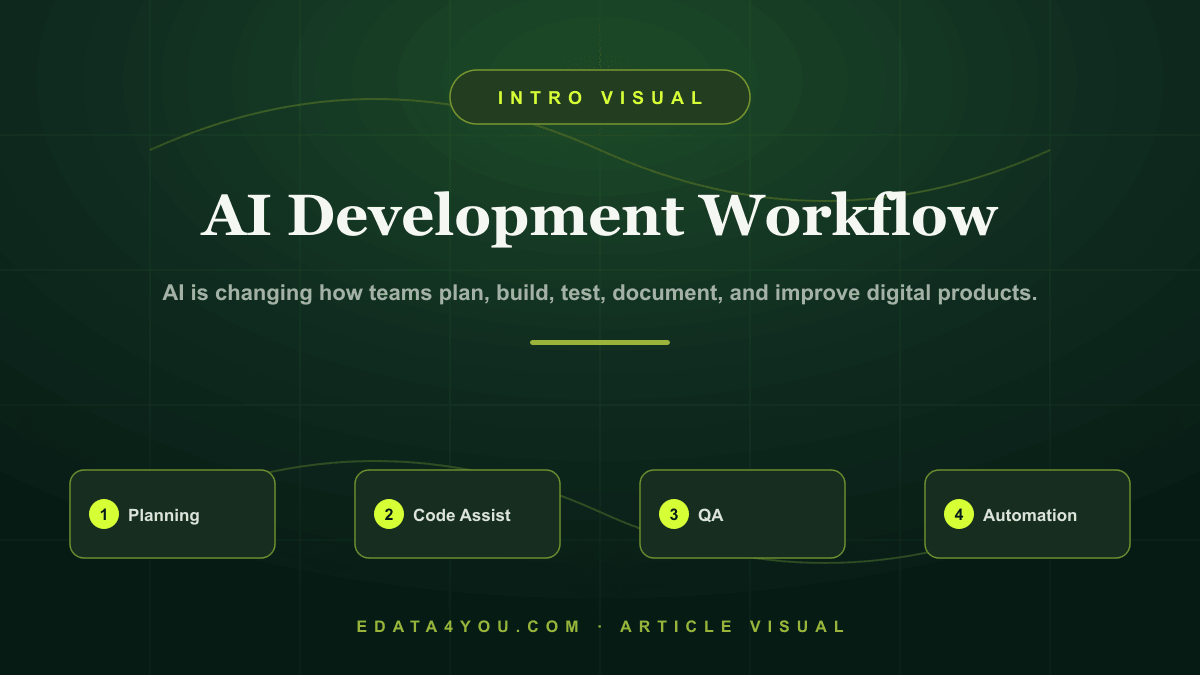
A complete guide to how AI is changing website and app development in 2026 across planning, coding, QA, content, personalization, automation, and maintenance.
AI tools are now used in design, coding, testing, content, analytics, and support workflows. But businesses often adopt AI without process control, which creates security risk, inconsistent quality, and unreliable customer-facing features.
This guide explains how AI can improve development work, where human review remains essential, and how businesses can use AI safely in websites, apps, ecommerce, and internal systems.
AI is changing how teams plan, build, test, document, and improve digital products.
Need help applying this? Explore our Web Design & Development.
Who This Guide Is For
This guide is written for business owners, ecommerce teams, startup founders, operations managers, marketing teams, and decision-makers who need development work to solve real business problems. It is also useful for teams that are preparing to outsource development and want a clear framework before speaking with vendors.
The goal is not to make every reader a developer. The goal is to help you ask better questions, avoid expensive mistakes, and understand what a responsible implementation should include.
AI Is Becoming Part of the Development Lifecycle
AI can support almost every stage of development: research, requirements, user stories, architecture options, code drafting, test case generation, documentation, content production, support flows, and maintenance tasks.
The strongest teams use AI as an accelerator, not as an unmanaged replacement for engineering judgment. Developers still need to review code, validate logic, secure data, test edge cases, and make architecture decisions.
For business owners, the important question is not whether AI can write code. The better question is how AI can reduce delays, improve quality, and support workflows after launch.
AI in Planning and Requirements
AI can help turn rough ideas into feature lists, user journeys, acceptance criteria, sitemap drafts, API lists, and test scenarios. This is valuable because unclear requirements are one of the biggest causes of failed development projects.
However, AI does not know your business priorities unless you provide them. Human stakeholders still need to decide what matters, what can wait, what risks are acceptable, and what must be tested.
AI in Coding and QA
AI coding assistants can speed up repetitive implementation, explain legacy code, draft components, suggest validation rules, and generate documentation. They can also introduce errors if code is accepted without review.
AI is especially useful in QA planning. It can suggest edge cases, accessibility checks, form validation cases, API failure scenarios, and security test ideas. Human testers still need to execute and verify the product.
AI Features Inside Websites and Apps
Businesses are adding AI features such as chat support, semantic search, product recommendations, document processing, content generation, personalization, dashboard summaries, and automated workflows.
These features require clean data, permissions, monitoring, fallback states, and human review for sensitive areas. AI features should solve a user problem, not exist only as a novelty.
Step-by-Step Implementation Framework
Use this framework before you approve design, development, migration, or integration work:
- Identify where AI reduces real friction in planning, coding, QA, or user experience
- Define data sources, permissions, and review rules
- Start with one controlled use case before expanding
- Add logging, monitoring, fallbacks, and quality checks
- Review cost, latency, accuracy, and user satisfaction regularly
This framework reduces ambiguity. It also gives your internal team and development partner a shared language for scope, responsibility, and quality.
Practical Checklist
| Area | What to Check |
|---|---|
| Use Case | What problem does AI solve and who benefits? |
| Data | Is the data clean, permissioned, structured, and safe to use? |
| Review | Which outputs require human approval before use? |
| Security | What sensitive data must never be exposed to AI tools or users? |
| Monitoring | How will accuracy, cost, latency, errors, and user feedback be tracked? |
Use this checklist as a discovery tool before the project starts and as a QA tool before launch. If any row is unclear, the project needs more planning before implementation begins.
Turn these recommendations into a working process with Web Design & Development.
Ecommerce and AI Considerations
Even when the project is not an ecommerce website, ecommerce discipline is useful because it forces the team to think about data quality, conversion paths, speed, search visibility, integrations, and repeatable operations. For ecommerce businesses, these issues are even more important because small technical problems can affect product discovery, checkout, marketplace feeds, customer support, and revenue reporting.
AI adds another layer. Websites and apps increasingly connect with AI search, AI support, automated reporting, product recommendation systems, content generation, and workflow automation. These tools depend on clean structure. If pages, data fields, APIs, and content are poorly organized, AI features will produce unreliable results.
Plan for AI readiness by keeping data structured, permissions clear, logs available, and human review built into sensitive workflows. AI should improve decision-making and productivity, not create hidden quality problems.
Common Mistakes to Avoid
- Using AI without clear acceptance criteria
- Sending sensitive data into tools without policy
- Trusting AI-generated code without review
- Adding chatbot features without support escalation
- Ignoring hallucination, latency, and cost monitoring
Most of these mistakes happen because the project starts too quickly. A short planning phase with the right questions is cheaper than rebuilding after launch.
Budget, Timeline, and Ownership
A responsible development budget should include discovery, design, development, content, integrations, testing, launch support, and maintenance. If a quote only covers coding, it may miss the work required to make the project successful.
Timeline depends on complexity. A focused business website may take weeks. A custom ecommerce workflow, app, dashboard, or integration-heavy project may take longer because requirements, testing, and data mapping are more involved.
Ownership should be defined before launch. Decide who manages content, who monitors errors, who reviews analytics, who approves changes, who handles support, and who maintains documentation. Without ownership, even a well-built system can decay.
30-60-90 Day Roadmap
| Timeline | Focus | Outcome |
|---|---|---|
| First 30 Days | Discovery, requirements, content/data audit, workflow mapping, and technical planning | Clear scope and reduced risk before build |
| Days 31-60 | Design, development, integration setup, content preparation, and internal review | Working system ready for structured QA |
| Days 61-90 | Testing, launch, analytics review, training, support process, and optimization | Stable launch with measurable improvement plan |
The exact timeline may change, but the sequence should not. Discovery comes before build, QA comes before launch, and optimization comes after real usage data appears.
How eData4You Can Help
eData4You helps businesses plan, build, maintain, and support digital systems across websites, ecommerce operations, dashboards, APIs, app workflows, product data, and ongoing support. Our development work is connected with practical operations, so the final solution is easier to manage after launch.
Our team can support requirement planning, website development, ecommerce workflows, API integrations, dashboard development, product data operations, content updates, QA support, and maintenance. This is especially useful for businesses that need development connected with real back-office execution.
If your business needs development support, API integration, ecommerce workflows, website maintenance, dashboard planning, or AI-ready data operations, contact eData4You to discuss the project.
Frequently Asked Questions
Will AI replace web developers?
AI will automate some repetitive work, but developers are still needed for architecture, security, UX, integrations, testing, and responsible delivery.
Can AI build a full app?
AI can help build parts of an app, but production systems still need planning, review, testing, deployment, monitoring, and maintenance.
What is the safest way to add AI features?
Start with a narrow use case, clean data, clear guardrails, human review, monitoring, and fallback behavior.
Final Thoughts
Good development is not only about launching a website or app. It is about building a system that stays useful, measurable, secure, and adaptable as the business grows.
Start with clear goals, document the workflow, choose technology deliberately, build with quality controls, and maintain the product after launch. That is how development becomes a business asset instead of a one-time expense.
Let's build something great together
A dedicated team of ecommerce, design, and data specialists - ready to scale your business across every marketplace.
Recent Posts
Latest on Social
Grow your sales on Amazon, Walmart & more
Our marketplace specialists handle listings, SEO, catalog & ads - end to end.
Talk to an Expert
Amit Sharma
Founder & IT Head | Project Management & IT Strategy Expert

Leave a Comment