

Quick answer
What you need to know
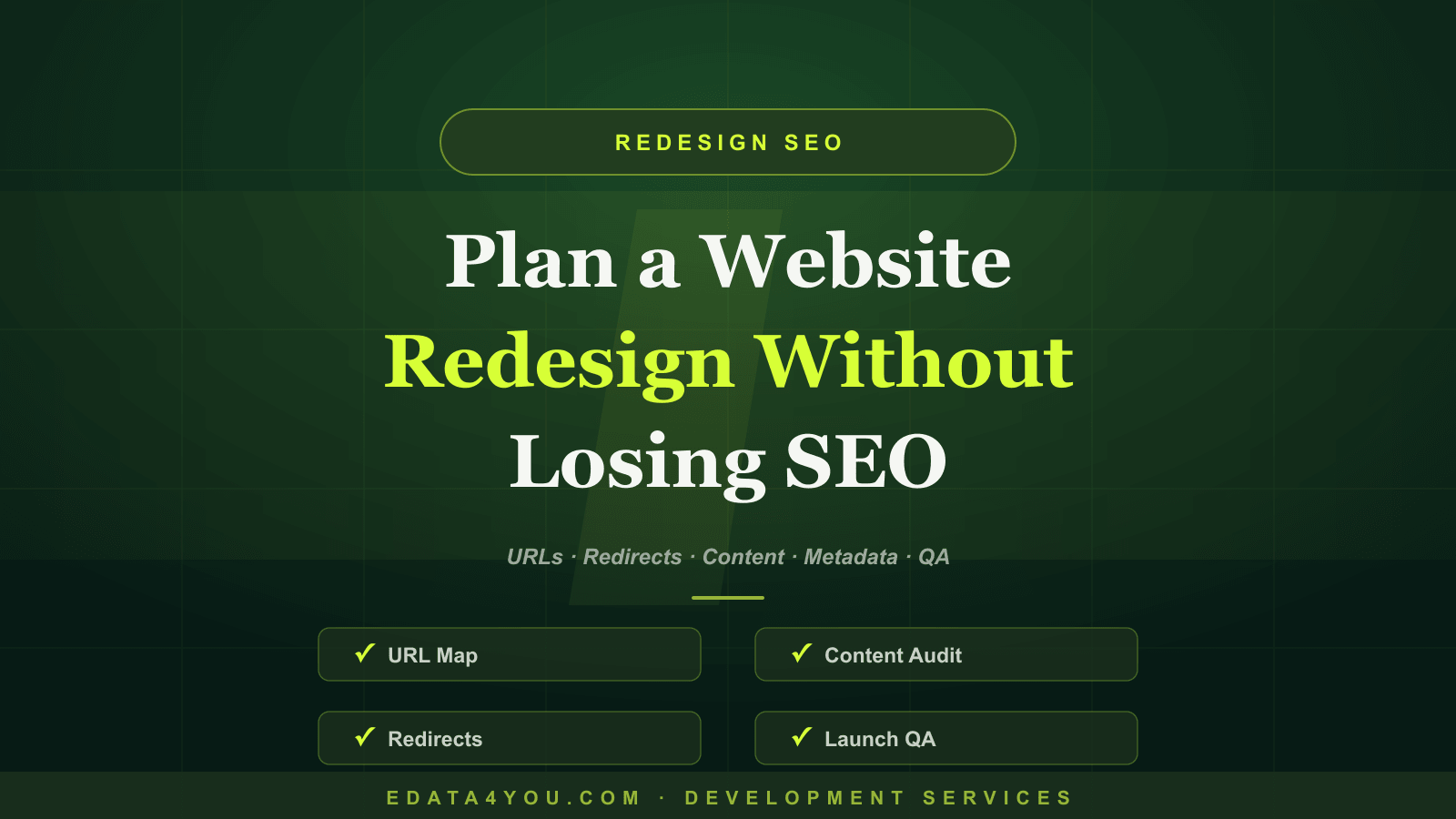
A complete guide to planning a website redesign without losing SEO rankings, including content audits, URL mapping, redirects, metadata, technical SEO, launch QA, and monitoring.
Who This Guide Is For
Why Redesigns Put SEO at Risk
Start With an SEO and Content Audit
Premium reader tools
Turn insight into action
The brief, before you dive in
A practical snapshot of what this guide will help you understand and apply.
Key takeaways
- Who This Guide Is For: This guide is written for business owners, ecommerce teams, startup founders, operations managers, marketing teams, and decision-makers who need devel…
- Why Redesigns Put SEO at Risk: Search engines have already discovered, crawled, and ranked your existing pages.
- Start With an SEO and Content Audit: Export the current URL list, organic traffic, rankings, backlinks, conversions, metadata, page titles, internal links, and indexation status.
- Create a Redirect and URL Map: Every changed URL needs a planned destination.
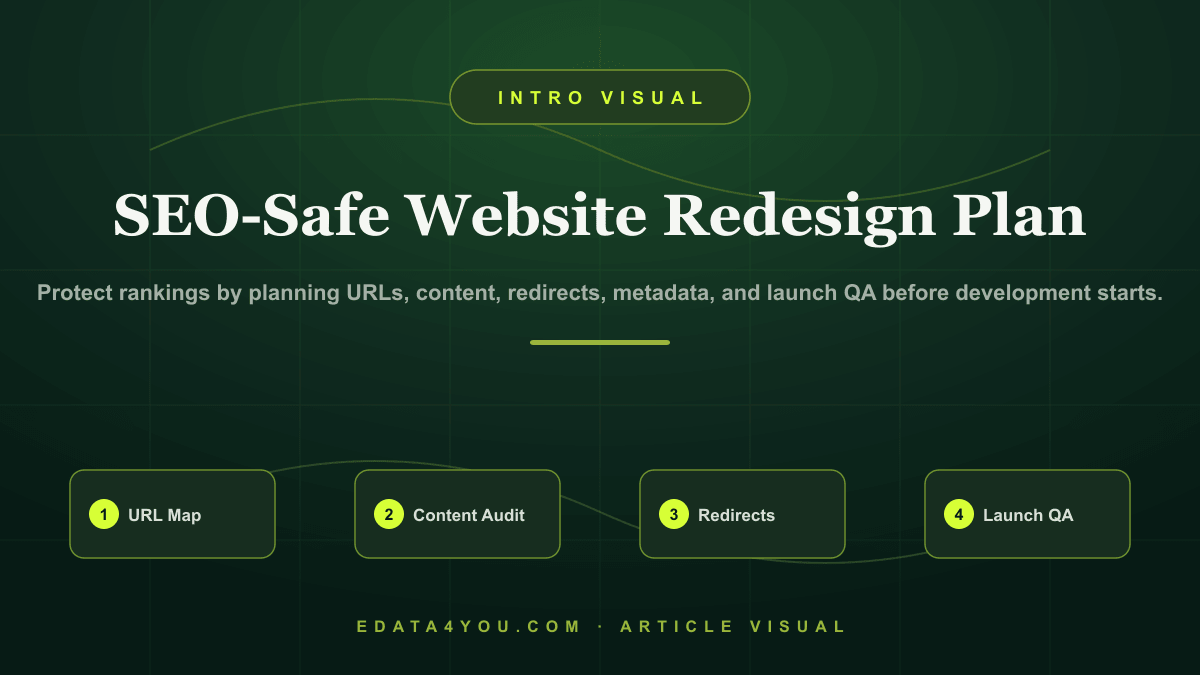
A complete guide to planning a website redesign without losing SEO rankings, including content audits, URL mapping, redirects, metadata, technical SEO, launch QA, and monitoring.
Website redesigns often improve appearance but damage organic traffic because teams remove content, change URLs, forget redirects, rewrite metadata poorly, break internal links, or launch without technical SEO testing.
This guide shows how to redesign a website while protecting rankings, preserving valuable pages, and improving performance, UX, and conversion at the same time.
Protect rankings by planning URLs, content, redirects, metadata, and launch QA before development starts.
Need help applying this? Explore our Web Design & Development.
Who This Guide Is For
This guide is written for business owners, ecommerce teams, startup founders, operations managers, marketing teams, and decision-makers who need development work to solve real business problems. It is also useful for teams that are preparing to outsource development and want a clear framework before speaking with vendors.
The goal is not to make every reader a developer. The goal is to help you ask better questions, avoid expensive mistakes, and understand what a responsible implementation should include.
Why Redesigns Put SEO at Risk
Search engines have already discovered, crawled, and ranked your existing pages. When a redesign changes content, URL structure, headings, internal links, page speed, schema, or indexation rules, rankings can change.
Some change is good. Weak pages can be improved. Thin pages can be consolidated. Slow templates can be rebuilt. The risk comes from changing everything without a migration plan.
Start With an SEO and Content Audit
Export the current URL list, organic traffic, rankings, backlinks, conversions, metadata, page titles, internal links, and indexation status. Identify pages that must be preserved, improved, merged, redirected, or removed.
High-performing URLs deserve special care. If a page brings qualified traffic or leads, preserve the search intent and important content even if the design changes.
Create a Redirect and URL Map
Every changed URL needs a planned destination. Use 301 redirects from old URLs to the most relevant new URLs. Avoid redirecting many unrelated pages to the homepage because that weakens relevance and frustrates users.
The redirect map should be reviewed before launch, implemented during deployment, and tested immediately after launch.
Protect Metadata, Internal Links, and Content Depth
Redesign projects sometimes shorten pages too much. Cleaner design is good, but removing useful content can reduce search visibility. Preserve or improve the information that helped the page rank.
Update internal links so important pages remain discoverable. Check title tags, meta descriptions, headings, canonical tags, schema, image alt text, and FAQs.
Step-by-Step Implementation Framework
Use this framework before you approve design, development, migration, or integration work:
- Export current SEO data and URL inventory
- Classify pages as keep, improve, merge, redirect, or remove
- Create a redirect map and content preservation plan
- Test staging site for metadata, links, speed, mobile, and indexation
- Monitor traffic, rankings, crawl errors, and conversions after launch
This framework reduces ambiguity. It also gives your internal team and development partner a shared language for scope, responsibility, and quality.
Practical Checklist
| Area | What to Check |
|---|---|
| Pre-Redesign | Audit URLs, traffic, rankings, backlinks, conversions, and indexed pages |
| Content | Preserve search intent, useful copy, FAQs, headings, metadata, and internal links |
| Redirects | Map old URLs to relevant new URLs and test every important redirect |
| Technical SEO | Check sitemap, robots, canonicals, schema, speed, mobile, and 404 pages |
| Post-Launch | Monitor analytics, rankings, crawl errors, forms, conversion paths, and indexation |
Use this checklist as a discovery tool before the project starts and as a QA tool before launch. If any row is unclear, the project needs more planning before implementation begins.
Turn these recommendations into a working process with Web Design & Development.
Ecommerce and AI Considerations
Even when the project is not an ecommerce website, ecommerce discipline is useful because it forces the team to think about data quality, conversion paths, speed, search visibility, integrations, and repeatable operations. For ecommerce businesses, these issues are even more important because small technical problems can affect product discovery, checkout, marketplace feeds, customer support, and revenue reporting.
AI adds another layer. Websites and apps increasingly connect with AI search, AI support, automated reporting, product recommendation systems, content generation, and workflow automation. These tools depend on clean structure. If pages, data fields, APIs, and content are poorly organized, AI features will produce unreliable results.
Plan for AI readiness by keeping data structured, permissions clear, logs available, and human review built into sensitive workflows. AI should improve decision-making and productivity, not create hidden quality problems.
Common Mistakes to Avoid
- Changing URLs without redirects
- Removing high-performing content
- Launching with no sitemap update
- Blocking crawlers on production by mistake
- Forgetting to test forms, tracking, and conversion events
Most of these mistakes happen because the project starts too quickly. A short planning phase with the right questions is cheaper than rebuilding after launch.
Budget, Timeline, and Ownership
A responsible development budget should include discovery, design, development, content, integrations, testing, launch support, and maintenance. If a quote only covers coding, it may miss the work required to make the project successful.
Timeline depends on complexity. A focused business website may take weeks. A custom ecommerce workflow, app, dashboard, or integration-heavy project may take longer because requirements, testing, and data mapping are more involved.
Ownership should be defined before launch. Decide who manages content, who monitors errors, who reviews analytics, who approves changes, who handles support, and who maintains documentation. Without ownership, even a well-built system can decay.
30-60-90 Day Roadmap
| Timeline | Focus | Outcome |
|---|---|---|
| First 30 Days | Discovery, requirements, content/data audit, workflow mapping, and technical planning | Clear scope and reduced risk before build |
| Days 31-60 | Design, development, integration setup, content preparation, and internal review | Working system ready for structured QA |
| Days 61-90 | Testing, launch, analytics review, training, support process, and optimization | Stable launch with measurable improvement plan |
The exact timeline may change, but the sequence should not. Discovery comes before build, QA comes before launch, and optimization comes after real usage data appears.
How eData4You Can Help
eData4You helps businesses plan, build, maintain, and support digital systems across websites, ecommerce operations, dashboards, APIs, app workflows, product data, and ongoing support. Our development work is connected with practical operations, so the final solution is easier to manage after launch.
Our team can support requirement planning, website development, ecommerce workflows, API integrations, dashboard development, product data operations, content updates, QA support, and maintenance. This is especially useful for businesses that need development connected with real back-office execution.
If your business needs development support, API integration, ecommerce workflows, website maintenance, dashboard planning, or AI-ready data operations, contact eData4You to discuss the project.
Frequently Asked Questions
Can a redesign hurt SEO rankings?
Yes, if URLs, content, metadata, internal links, redirects, or technical SEO are handled poorly.
Should URLs change during a redesign?
Only when there is a clear reason. Preserving strong URLs often reduces SEO risk.
How long should SEO be monitored after redesign?
Monitor closely for at least several weeks, and continue checking crawl errors, rankings, traffic, and conversions over the next few months.
Final Thoughts
Good development is not only about launching a website or app. It is about building a system that stays useful, measurable, secure, and adaptable as the business grows.
Start with clear goals, document the workflow, choose technology deliberately, build with quality controls, and maintain the product after launch. That is how development becomes a business asset instead of a one-time expense.
Let's build something great together
A dedicated team of ecommerce, design, and data specialists - ready to scale your business across every marketplace.
Recent Posts
Latest on Social
Grow your sales on Amazon, Walmart & more
Our marketplace specialists handle listings, SEO, catalog & ads - end to end.
Talk to an Expert
Amit Sharma
Founder & IT Head | Project Management & IT Strategy Expert


Leave a Comment