

Quick answer
What you need to know
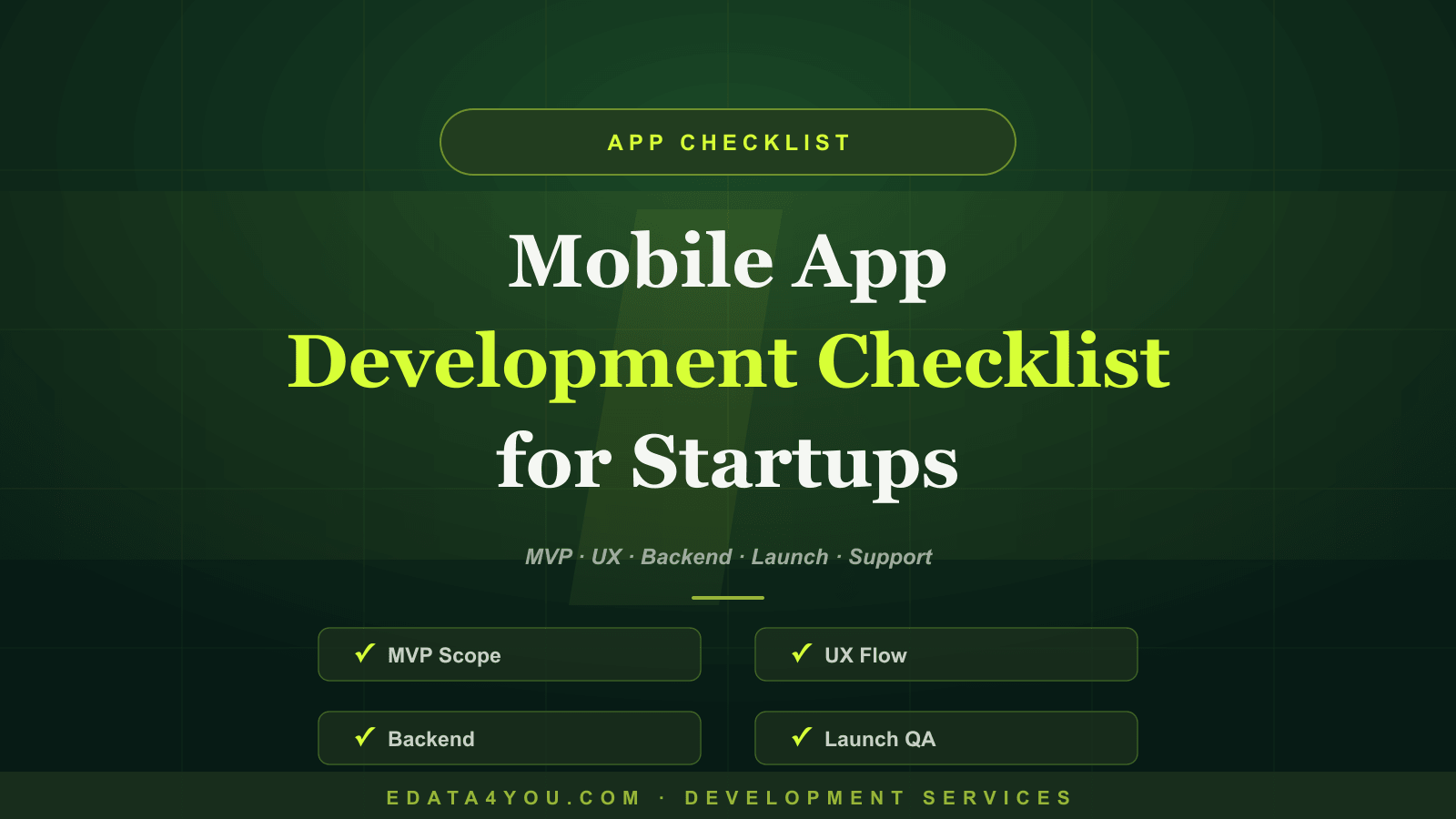
A complete mobile app development checklist for startups and small businesses covering MVP scope, UX, backend, security, analytics, launch, support, and monetization.
Who This Guide Is For
Start With the User Problem
Define the MVP Properly
Premium reader tools
Turn insight into action
The brief, before you dive in
A practical snapshot of what this guide will help you understand and apply.
Key takeaways
- Who This Guide Is For: This guide is written for business owners, ecommerce teams, startup founders, operations managers, marketing teams, and decision-makers who need devel…
- Start With the User Problem: An app should exist because users need to do something often enough that a mobile experience is valuable.
- Define the MVP Properly: A minimum viable product is not an unfinished product.
- Plan Backend and Admin Operations: The backend is where many app budgets grow.
A complete mobile app development checklist for startups and small businesses covering MVP scope, UX, backend, security, analytics, launch, support, and monetization.
Many startups and small businesses start app development with a feature wish list but no clear MVP, backend plan, support process, analytics model, or launch strategy. This leads to budget overruns, delayed releases, and apps that users do not keep using.
This guide gives you a practical app development checklist so you can plan an app that solves a real problem, launches with the right features, and improves after release.
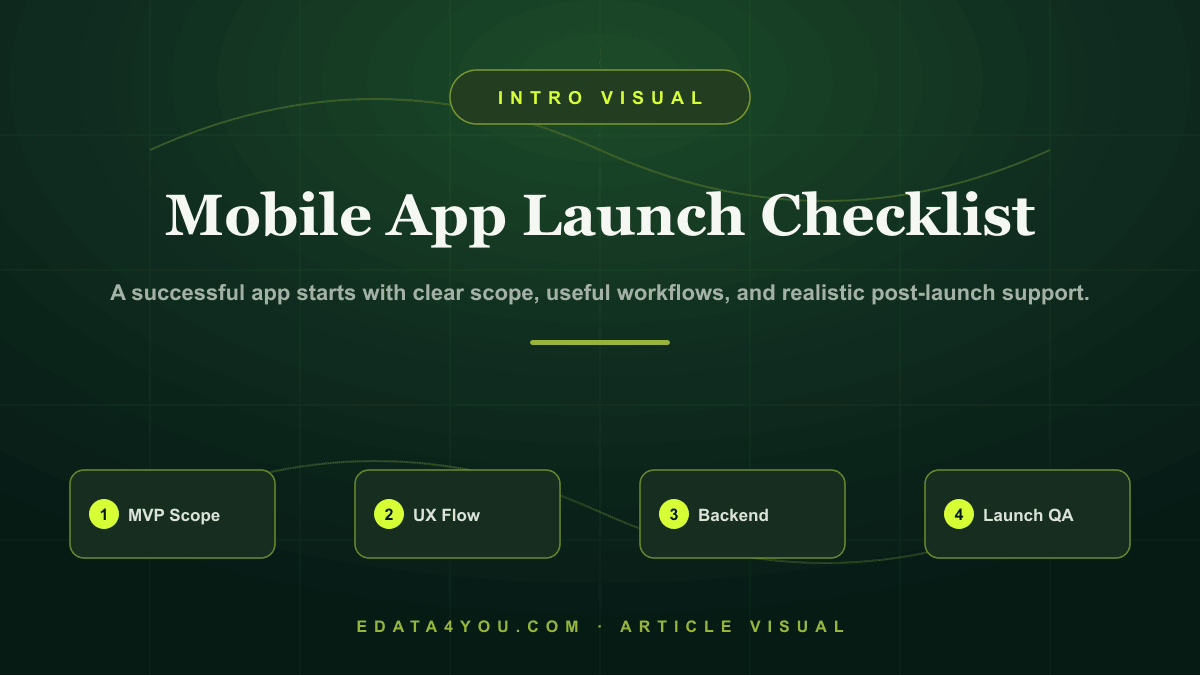
A successful app starts with clear scope, useful workflows, and realistic post-launch support.
Need help applying this? Explore our Web Design & Development.
Who This Guide Is For
This guide is written for business owners, ecommerce teams, startup founders, operations managers, marketing teams, and decision-makers who need development work to solve real business problems. It is also useful for teams that are preparing to outsource development and want a clear framework before speaking with vendors.
The goal is not to make every reader a developer. The goal is to help you ask better questions, avoid expensive mistakes, and understand what a responsible implementation should include.
Start With the User Problem
An app should exist because users need to do something often enough that a mobile experience is valuable. That could be ordering products, booking services, tracking tasks, learning, accessing support, managing loyalty, or completing field operations.
Write the problem in one sentence before planning screens. If the problem is unclear, the app will become a collection of features without a strong reason to return.
Define the MVP Properly
A minimum viable product is not an unfinished product. It is the smallest complete version that solves the core problem and allows real user feedback.
Decide what must be in version one and what can wait. Common MVP features include onboarding, account creation, the main workflow, notifications, payments if required, basic admin controls, analytics, and support contact options.
Avoid building every feature before launch. Start with the workflow that proves the app has value.
Plan Backend and Admin Operations
The backend is where many app budgets grow. User roles, databases, APIs, file storage, notifications, payments, dashboards, content management, reporting, and security all need planning.
The business also needs to manage the app after launch. Who updates content? Who handles support tickets? Who reviews analytics? Who fixes bugs? Who approves changes?
Prepare for Launch and Feedback
Launch planning includes app store assets, privacy policy, screenshots, testing, crash reporting, analytics events, support channels, and a process for collecting feedback.
A successful launch is not the end. It is the beginning of learning what users actually do.
Step-by-Step Implementation Framework
Use this framework before you approve design, development, migration, or integration work:
- Define the user problem and success metric
- Create MVP feature list and remove nonessential items
- Design user flows before visual screens
- Plan backend, admin, security, and support workflows
- Test, launch, measure, and iterate with real users
This framework reduces ambiguity. It also gives your internal team and development partner a shared language for scope, responsibility, and quality.
Practical Checklist
| Area | What to Check |
|---|---|
| Strategy | User problem, value proposition, business model, and success metric |
| UX | Onboarding, main workflow, empty states, errors, accessibility, and mobile usability |
| Backend | Database, APIs, admin, notifications, payments, and integrations |
| Security | Authentication, permissions, privacy, encryption, and data retention |
| Launch | Testing, app store listing, analytics, support, feedback, and update plan |
Use this checklist as a discovery tool before the project starts and as a QA tool before launch. If any row is unclear, the project needs more planning before implementation begins.
Turn these recommendations into a working process with Web Design & Development.
Ecommerce and AI Considerations
Even when the project is not an ecommerce website, ecommerce discipline is useful because it forces the team to think about data quality, conversion paths, speed, search visibility, integrations, and repeatable operations. For ecommerce businesses, these issues are even more important because small technical problems can affect product discovery, checkout, marketplace feeds, customer support, and revenue reporting.
AI adds another layer. Websites and apps increasingly connect with AI search, AI support, automated reporting, product recommendation systems, content generation, and workflow automation. These tools depend on clean structure. If pages, data fields, APIs, and content are poorly organized, AI features will produce unreliable results.
Plan for AI readiness by keeping data structured, permissions clear, logs available, and human review built into sensitive workflows. AI should improve decision-making and productivity, not create hidden quality problems.
Common Mistakes to Avoid
- Building too many features before launch
- Ignoring admin workflows
- Skipping analytics events
- Underestimating support needs
- Launching without a maintenance budget
Most of these mistakes happen because the project starts too quickly. A short planning phase with the right questions is cheaper than rebuilding after launch.
Budget, Timeline, and Ownership
A responsible development budget should include discovery, design, development, content, integrations, testing, launch support, and maintenance. If a quote only covers coding, it may miss the work required to make the project successful.
Timeline depends on complexity. A focused business website may take weeks. A custom ecommerce workflow, app, dashboard, or integration-heavy project may take longer because requirements, testing, and data mapping are more involved.
Ownership should be defined before launch. Decide who manages content, who monitors errors, who reviews analytics, who approves changes, who handles support, and who maintains documentation. Without ownership, even a well-built system can decay.
30-60-90 Day Roadmap
| Timeline | Focus | Outcome |
|---|---|---|
| First 30 Days | Discovery, requirements, content/data audit, workflow mapping, and technical planning | Clear scope and reduced risk before build |
| Days 31-60 | Design, development, integration setup, content preparation, and internal review | Working system ready for structured QA |
| Days 61-90 | Testing, launch, analytics review, training, support process, and optimization | Stable launch with measurable improvement plan |
The exact timeline may change, but the sequence should not. Discovery comes before build, QA comes before launch, and optimization comes after real usage data appears.
How eData4You Can Help
eData4You helps businesses plan, build, maintain, and support digital systems across websites, ecommerce operations, dashboards, APIs, app workflows, product data, and ongoing support. Our development work is connected with practical operations, so the final solution is easier to manage after launch.
Our team can support requirement planning, website development, ecommerce workflows, API integrations, dashboard development, product data operations, content updates, QA support, and maintenance. This is especially useful for businesses that need development connected with real back-office execution.
If your business needs development support, API integration, ecommerce workflows, website maintenance, dashboard planning, or AI-ready data operations, contact eData4You to discuss the project.
Frequently Asked Questions
What should be included in an app MVP?
An MVP should include the core user journey, essential backend support, analytics, error handling, and enough polish for real feedback.
Should startups build iOS and Android together?
It depends on audience and budget. Cross-platform development can help, but some businesses launch first where users are strongest.
How much planning is needed before app development?
Enough to define the user problem, MVP scope, data flows, backend needs, support process, and success metrics.
Final Thoughts
Good development is not only about launching a website or app. It is about building a system that stays useful, measurable, secure, and adaptable as the business grows.
Start with clear goals, document the workflow, choose technology deliberately, build with quality controls, and maintain the product after launch. That is how development becomes a business asset instead of a one-time expense.
Let's build something great together
A dedicated team of ecommerce, design, and data specialists - ready to scale your business across every marketplace.
Recent Posts
Latest on Social
Grow your sales on Amazon, Walmart & more
Our marketplace specialists handle listings, SEO, catalog & ads - end to end.
Talk to an Expert
Amit Sharma
Founder & IT Head | Project Management & IT Strategy Expert

Leave a Comment